
It’s possible to change the quantity of a product in the basket.
- Add product to the basket
- Swipe left from the product view to entering the basket
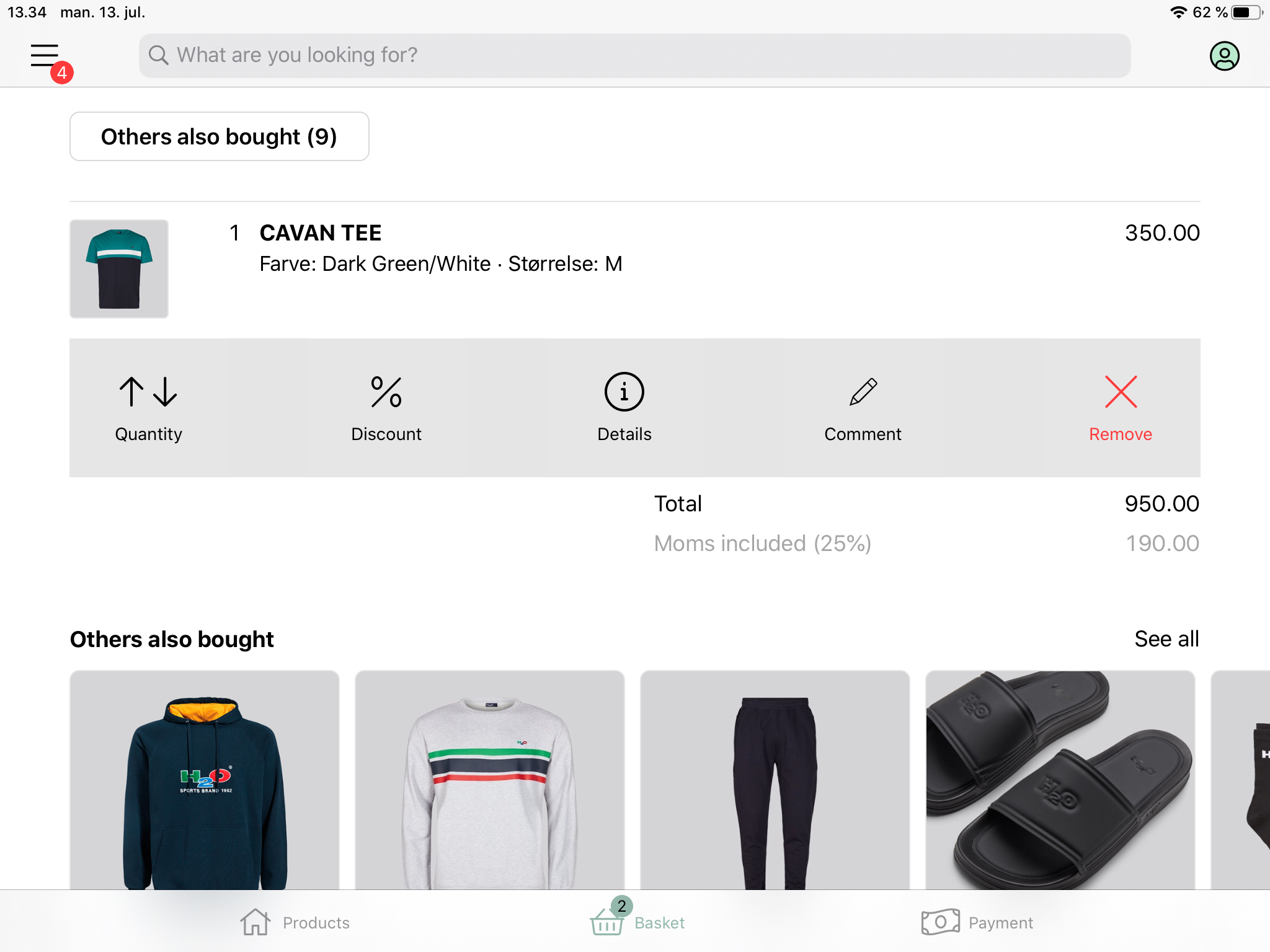
- Tap on the product you want to alter the quantity on
- Choose ‘Quantity’
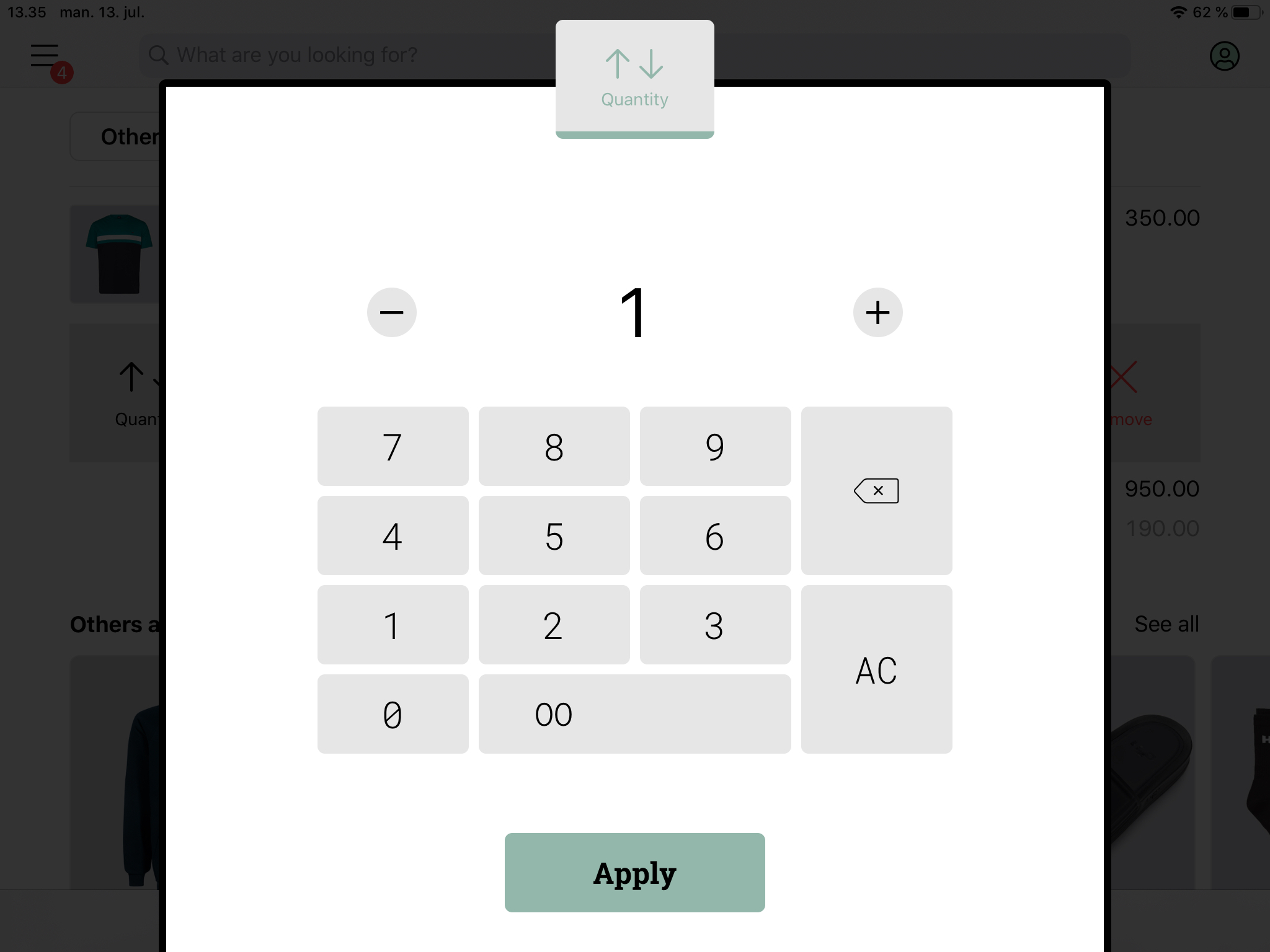
- Enter a quantity or adjust the current quantity by pressing the plus (+) or the minus (-).
- Press ‘Apply’ to alter the quantity and return to the basket
Comments
0 comments
Please sign in to leave a comment.