
From the product view, you can easily add products to the basket by just tapping the product. The chosen product will now get a marking, which indicates that the product has been added to the basket. 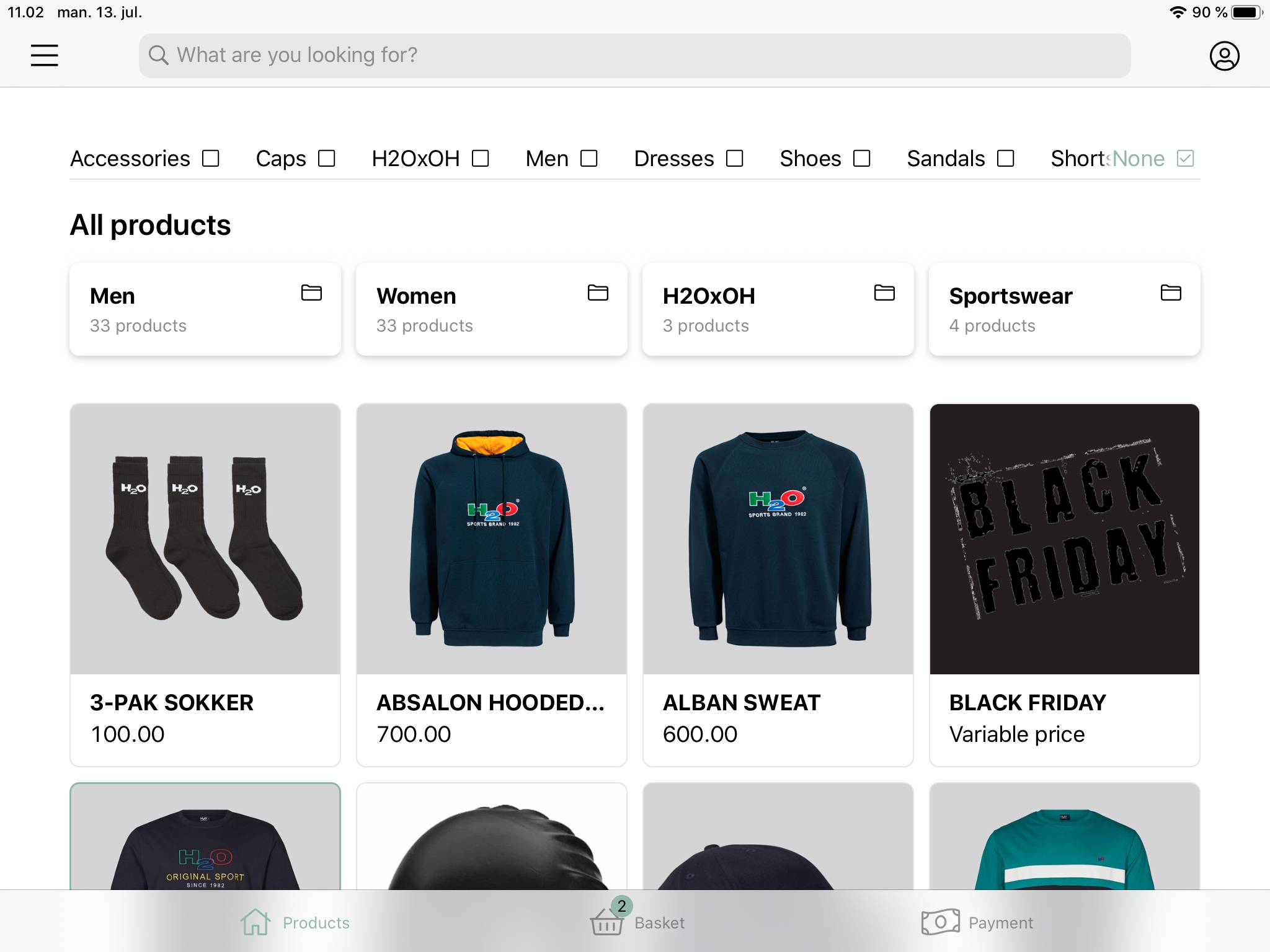
Change the added amount of products
Once a product has been added to the basket, the number of products can be adjusted. Pressing + will add an item of the same product to the basket, and pressing - will remove an item from the basket.
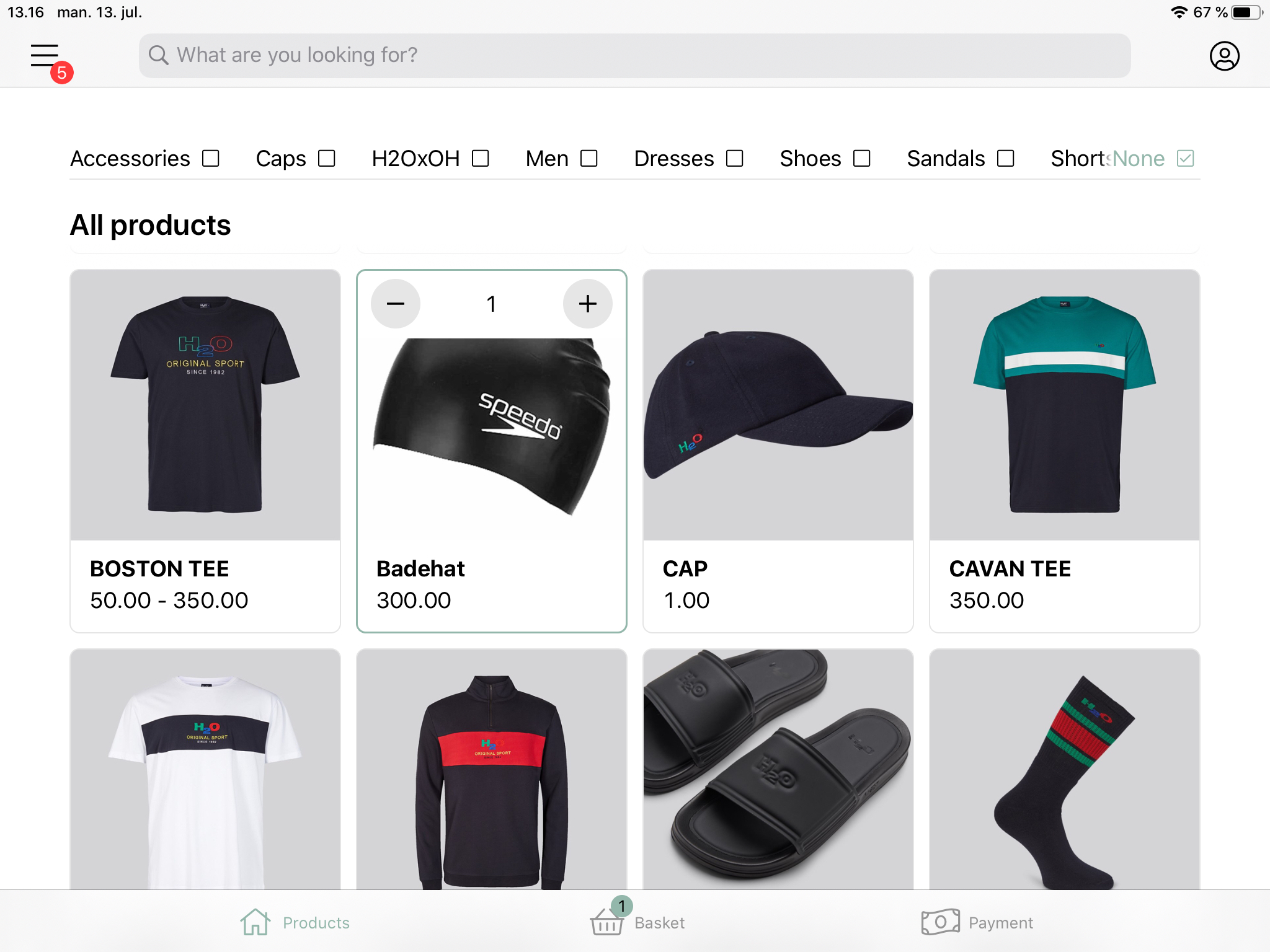
If a product is highlighted and only one has been added to the basket, taping the product will make the selection disappear and the product will no longer be part of the basket.
Comments
0 comments
Please sign in to leave a comment.