
It is possible to use a gift card as payment.
- Add items to the basket.
- Swipe left twitch from product view to go to checkout.
- Choose ‘Gift Card’ to complete a payment with a gift card.
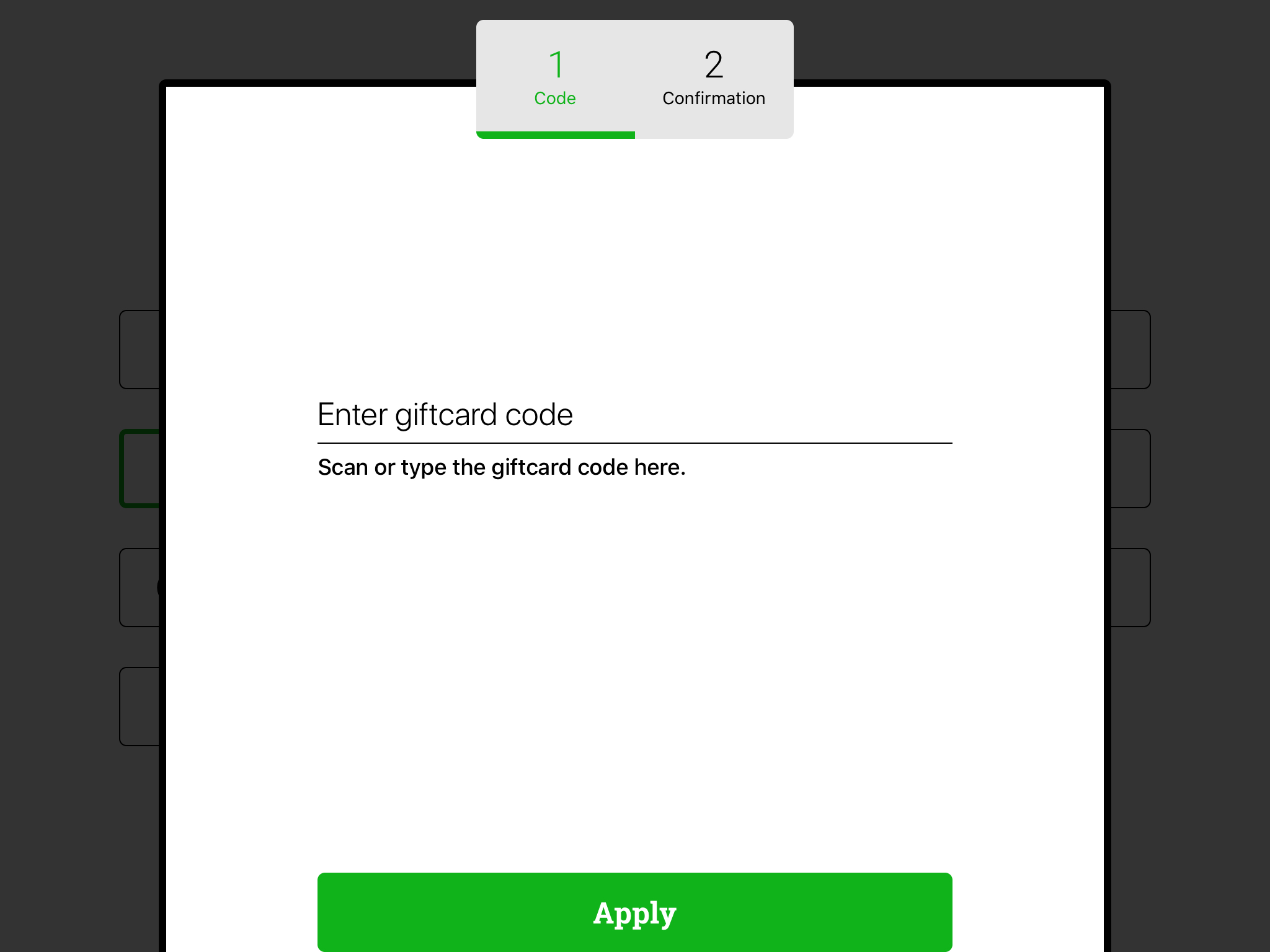
A new page will appear. - Scan or enter the code of the gift card and press ‘Apply’.
- If the gift card is found, a confirmation page will appear. Press ‘Apply’ to complete the transaction.
If the value of the gift card doesn't cover the total amount payable, the checkout page is shown again, and a second payment option is chosen.
If the gift card already has been used or is invalid, an announcement will tell you so.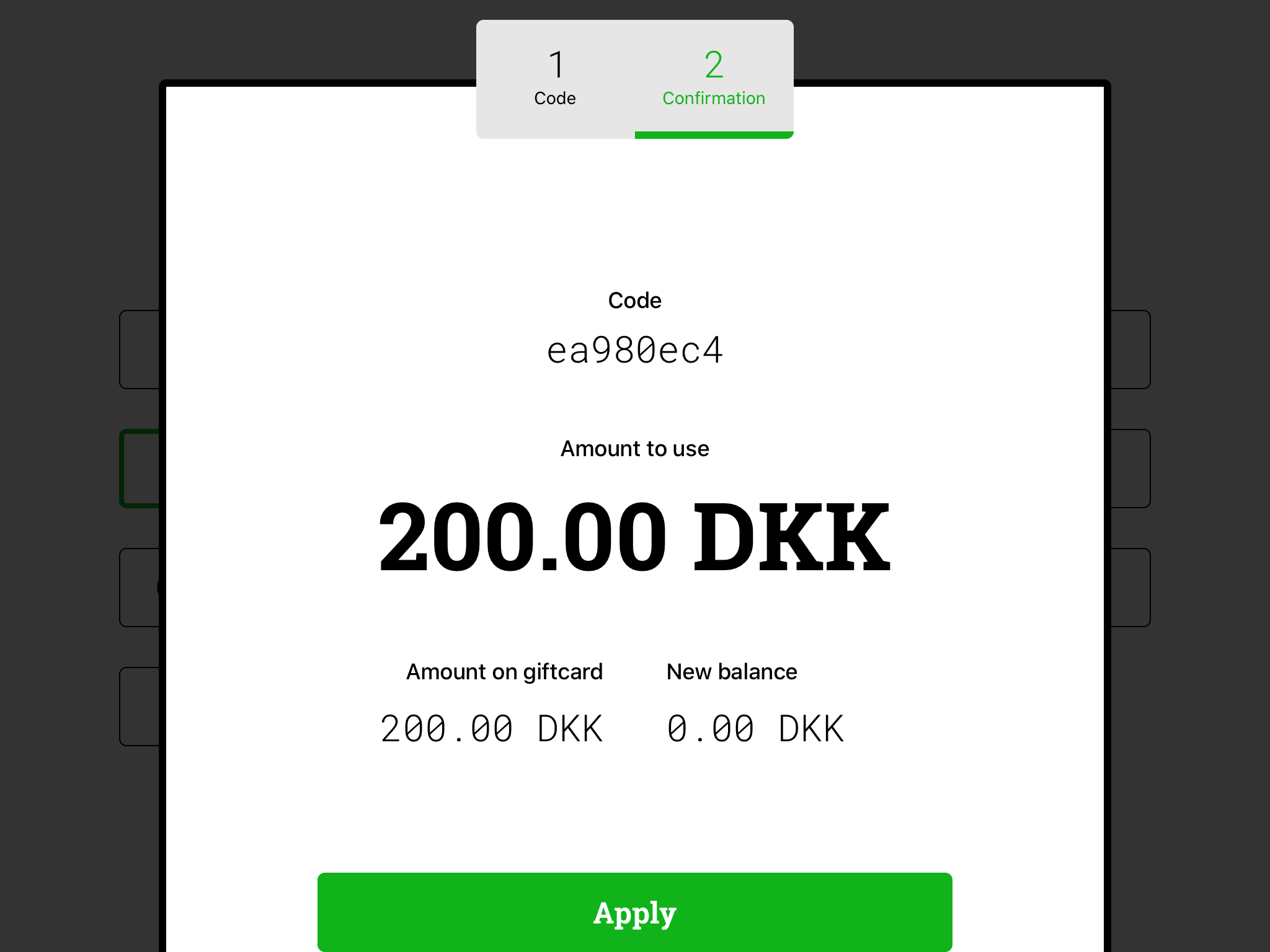
If there is a balance left on the gift card after the transaction, a new gift card will be created.
Comments
0 comments
Please sign in to leave a comment.