
This feature allows the store associate to manually create a product in POS which is added directly to the basket. Thus, this product will only be valid in the sale where it is created. After creation, the product functions like any other product in POS that may have discounts added and returned.
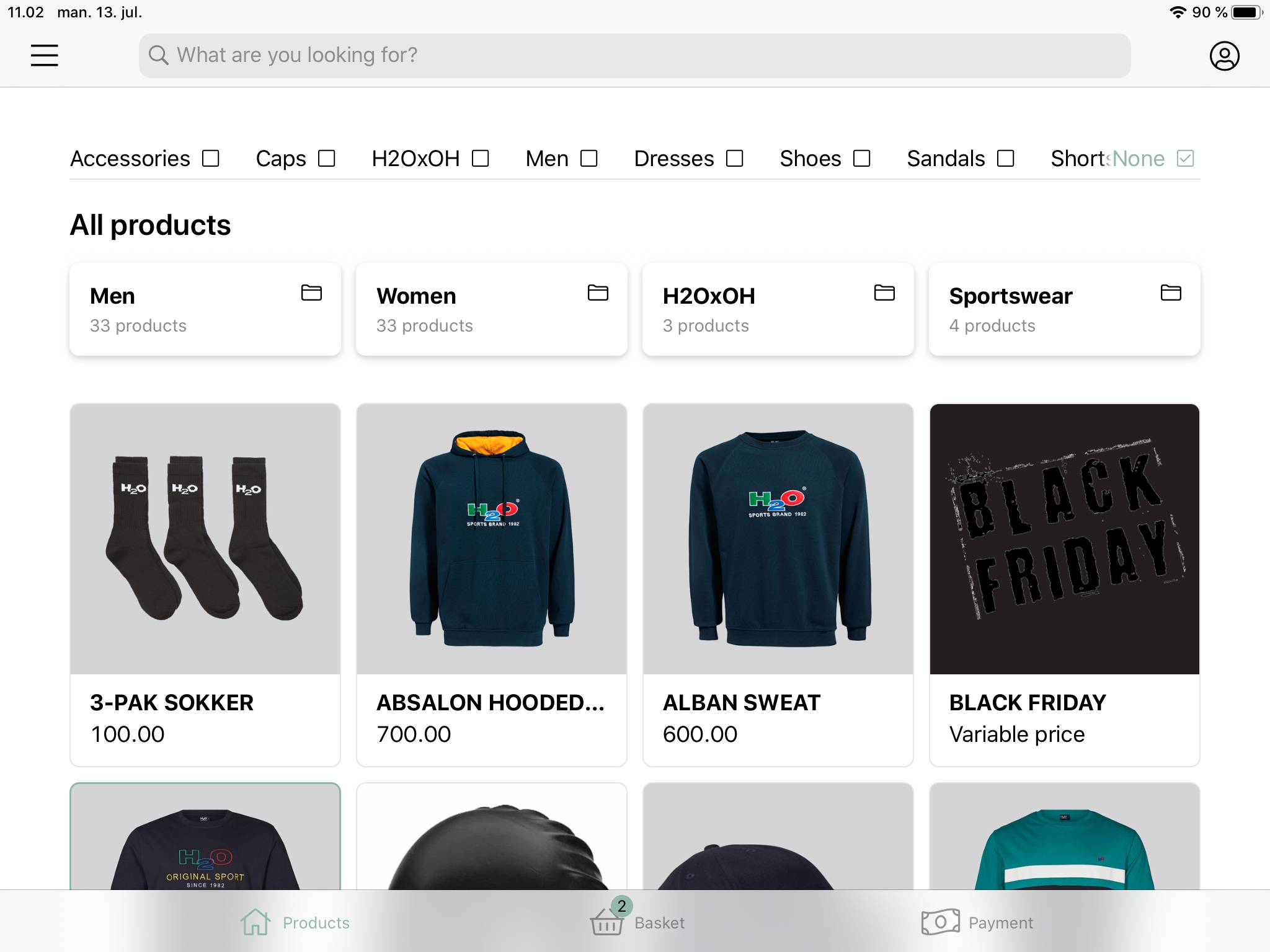
- Press the menu in the top left corner
- Choose ‘Add manual product’
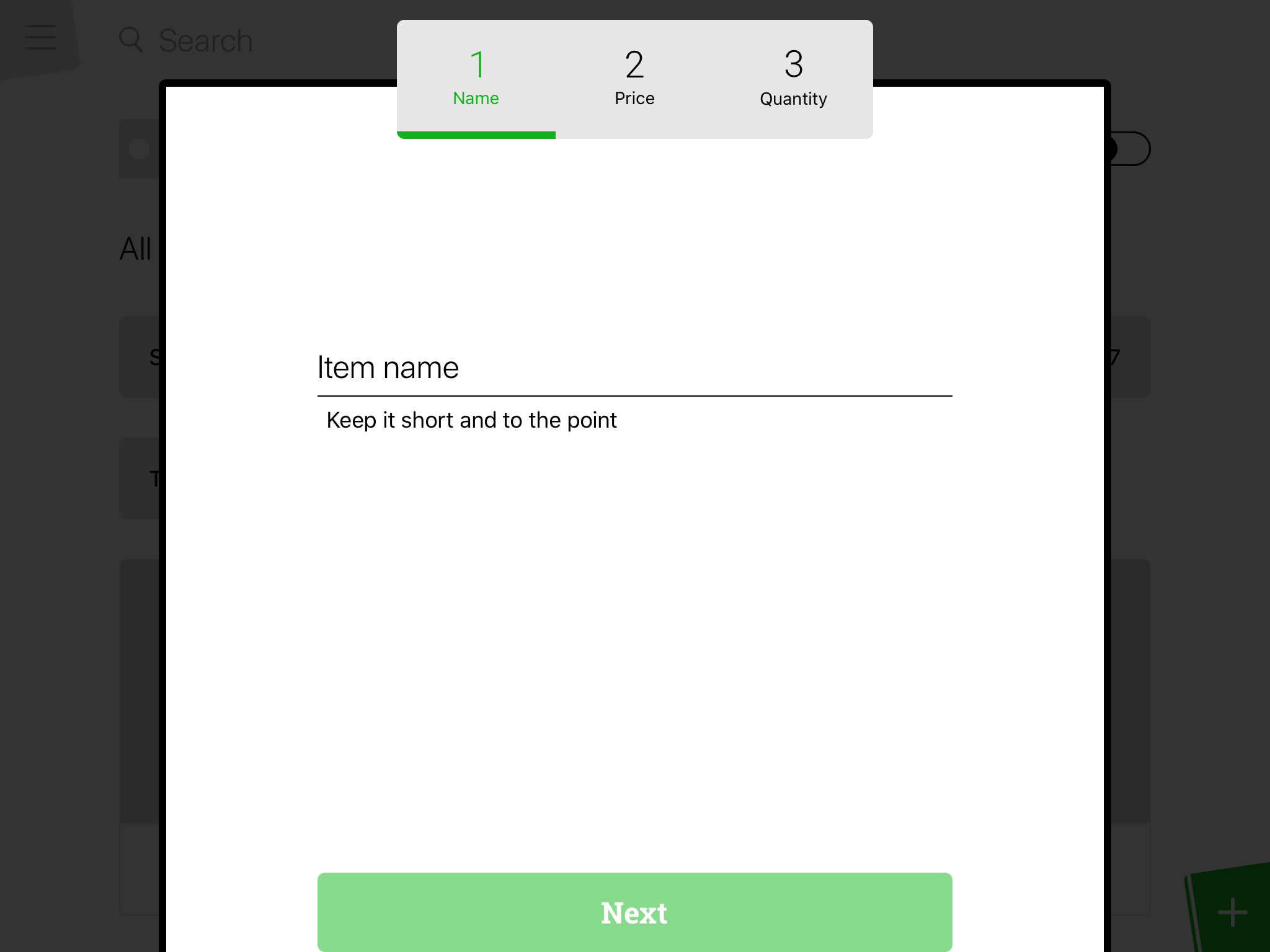
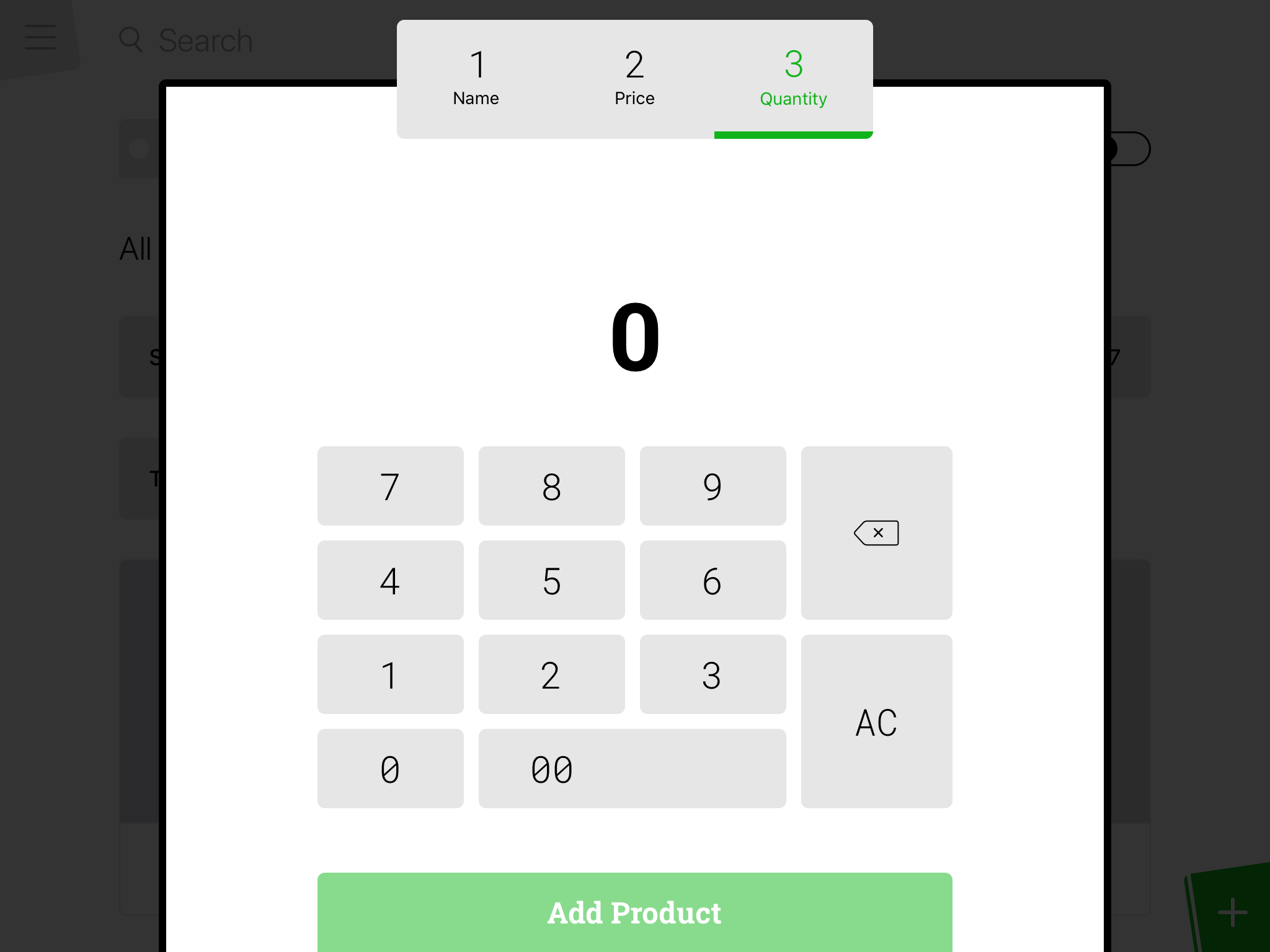
A new page will appear and the product can be created.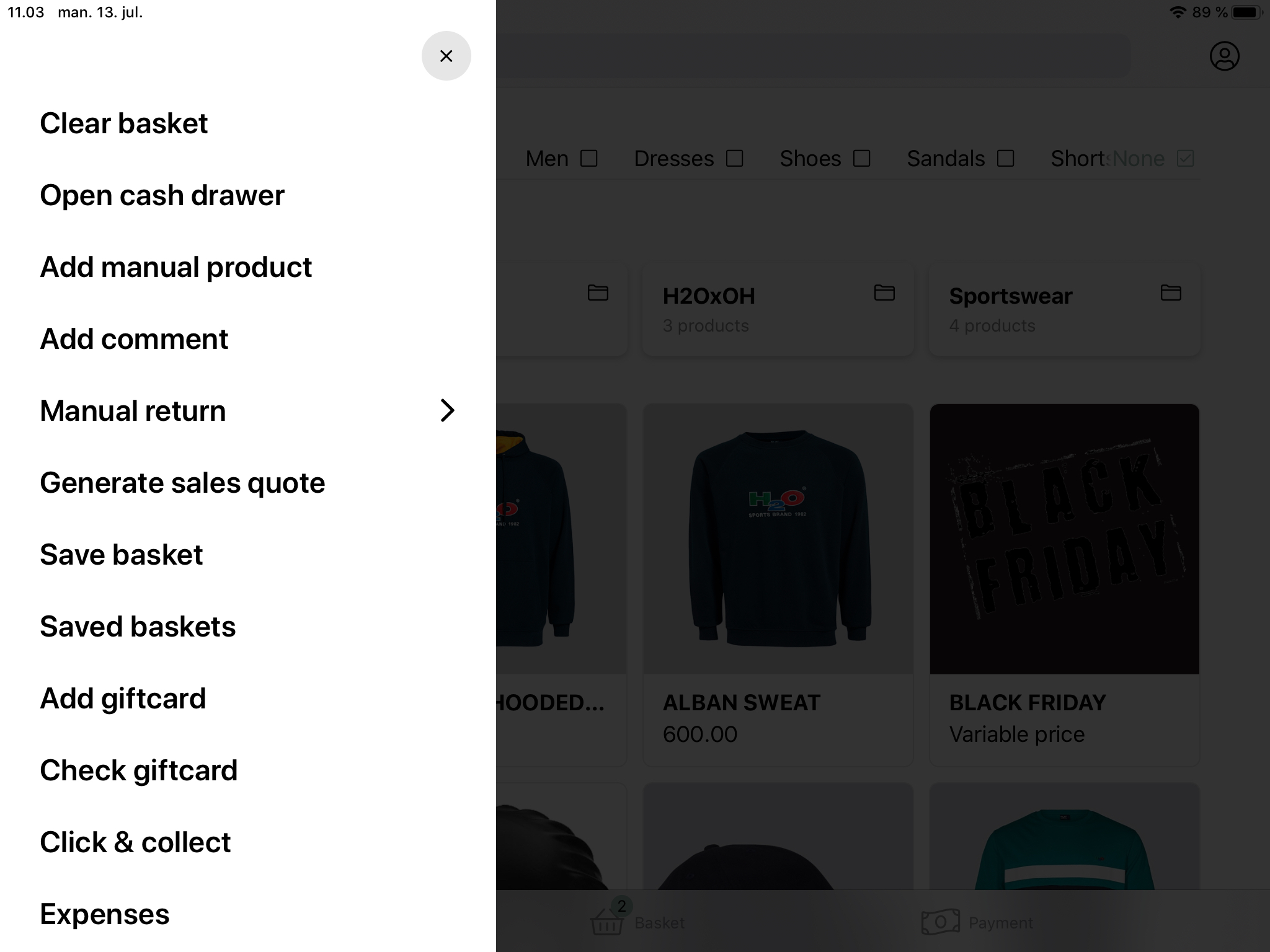
- Enter the name of the product and press ‘Next’.
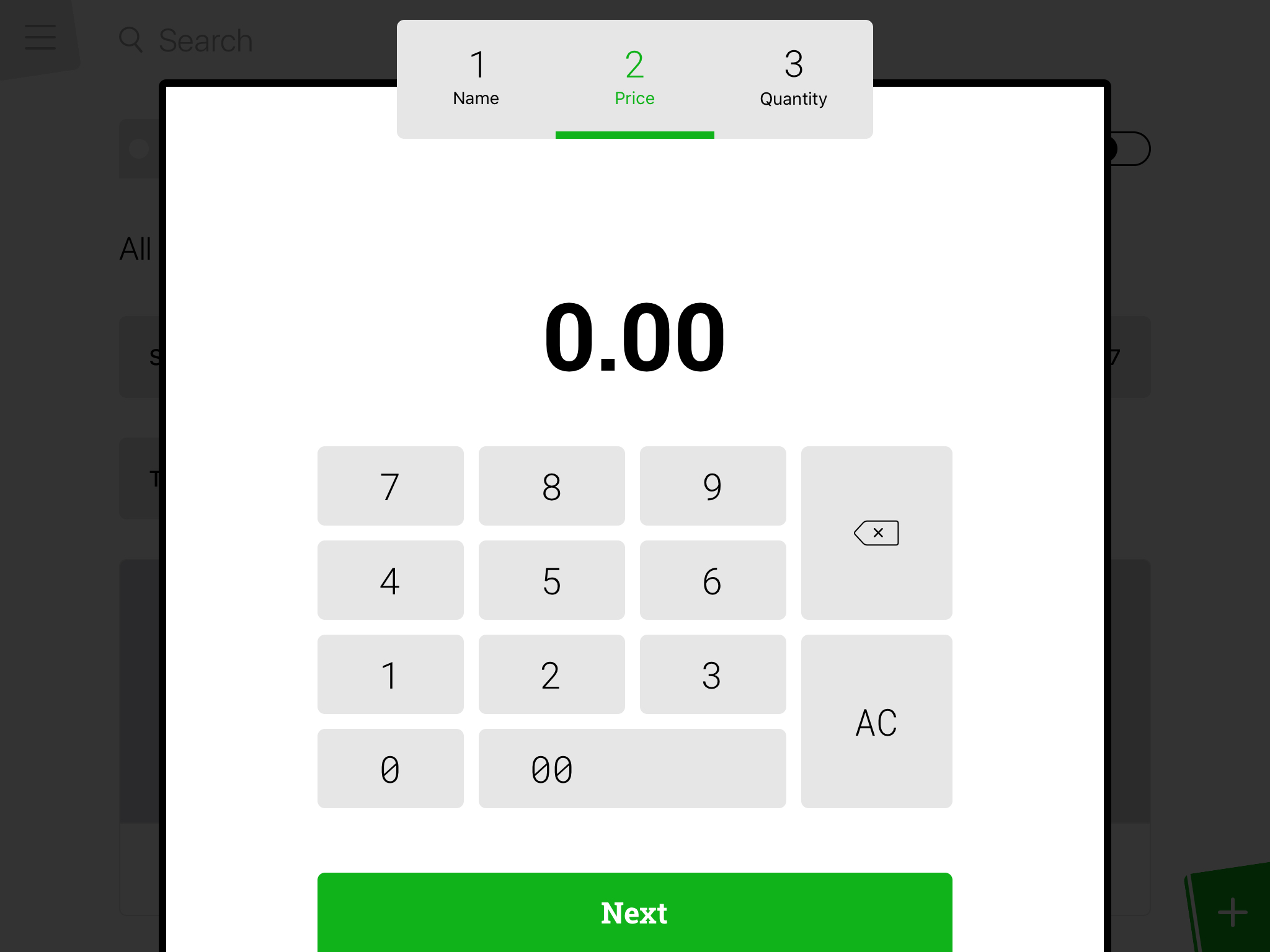
- Enter the price for the product and press ‘Next’.
- Enter the amount of the product you want to add to the basket and press ‘Add product’.
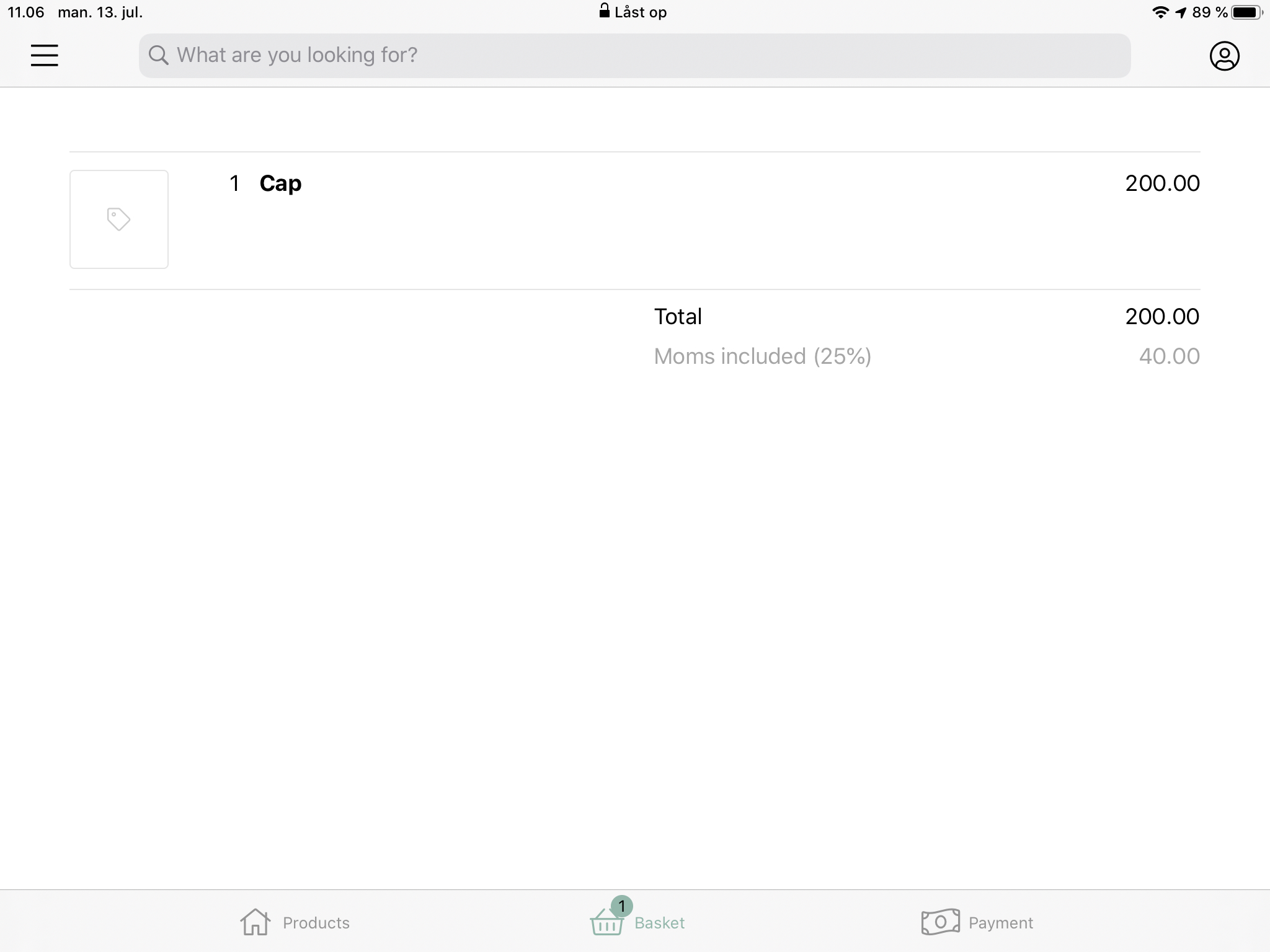
- The page will close and the product is created and added to the basket
If you want to stop the creation for a product, press the screen outside til pop-up window
Comments
0 comments
Please sign in to leave a comment.