
With this function, it's possible to check a gift card. This can be done by scanning the QR code on the receipt or by manually entering the code.
- Press on the menu at the upper left corner
- Press 'Check gift card'
A new page will open and the gift card can now be checked - Enter the gift card code or scan the QR code on the receipt. Now, press 'Apply'
- The confirmation page will now be shoed. Press 'OK' to close the page and return to the product view
If the gift card to the entered or scanned code is already used or invalid, an alert saying 'Gift card could not be found' will be shown at the confirmation page.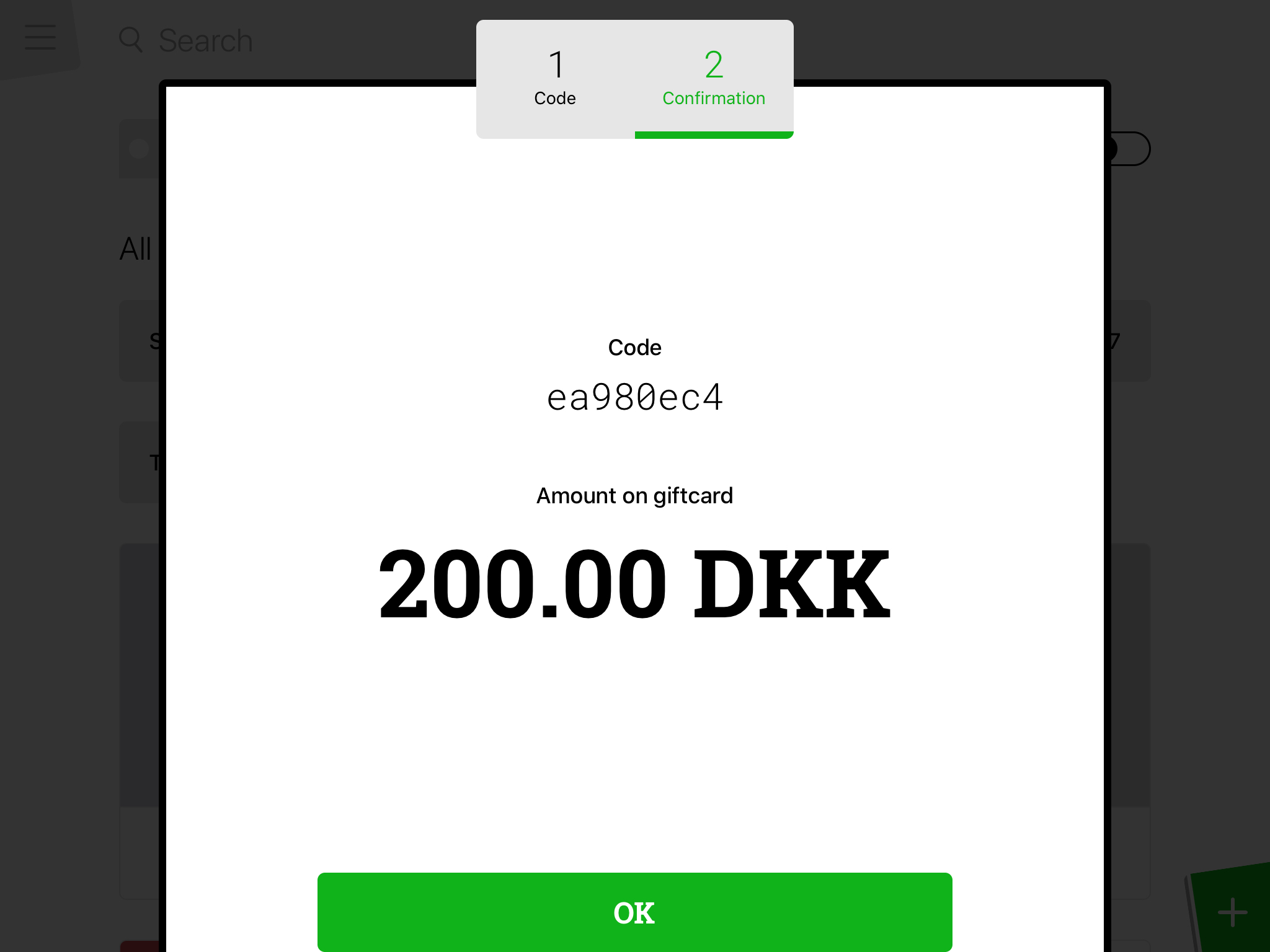
Comments
0 comments
Please sign in to leave a comment.