
Previous close statements
Previous close statement can be found by entering the menu at the upper left side and pressing 'Register' and 'Previous close statements'. On this page, all previous checkout statements can be viewed. The list is divided by date and time as well as which store associate closed the register. The total sales amount at the register closure is also shown.
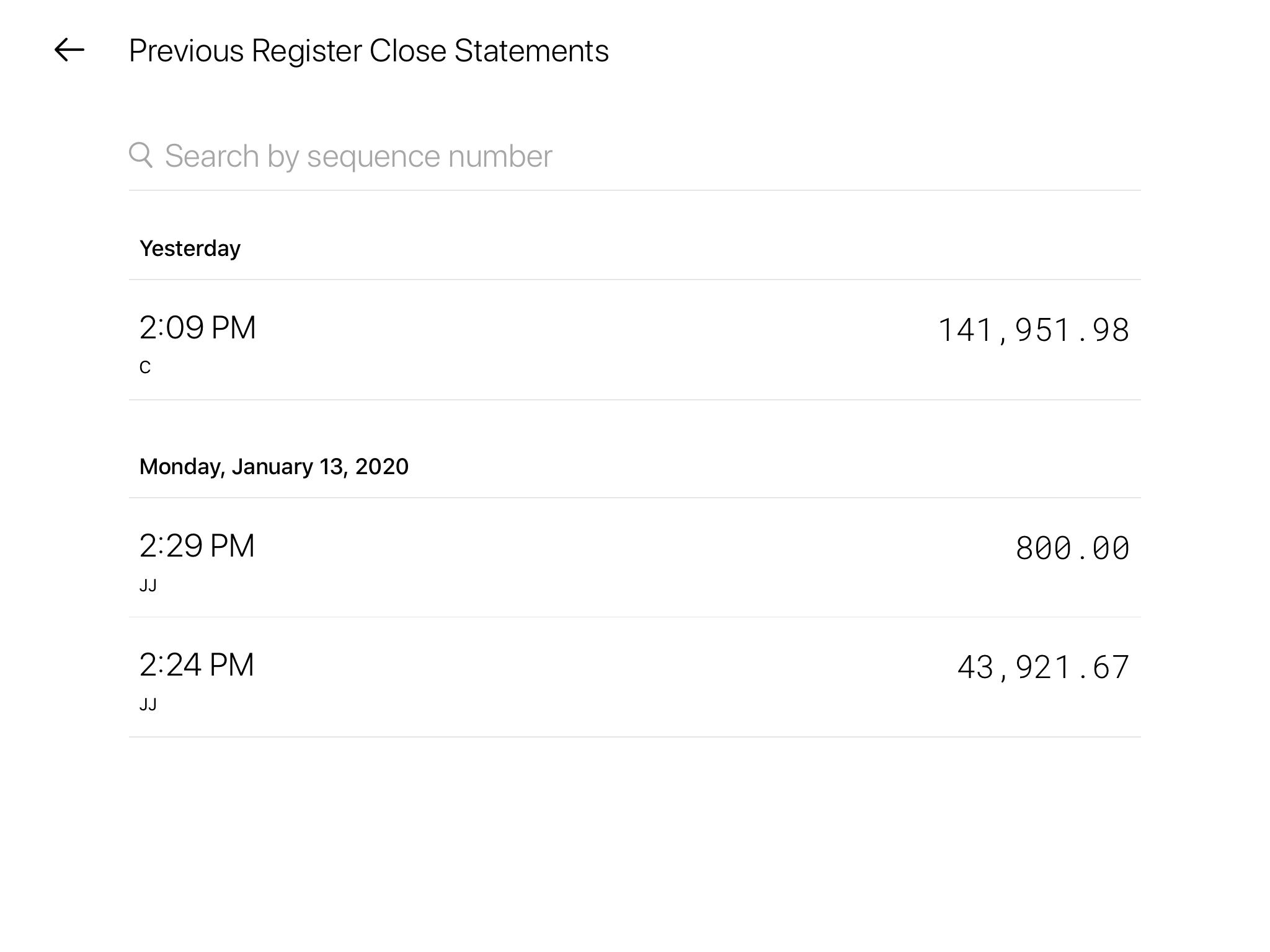
At the top of the overview, it is possible to search for specific sequence numbers.
If you press on one of the Register close statements ‘Report’ can be chosen.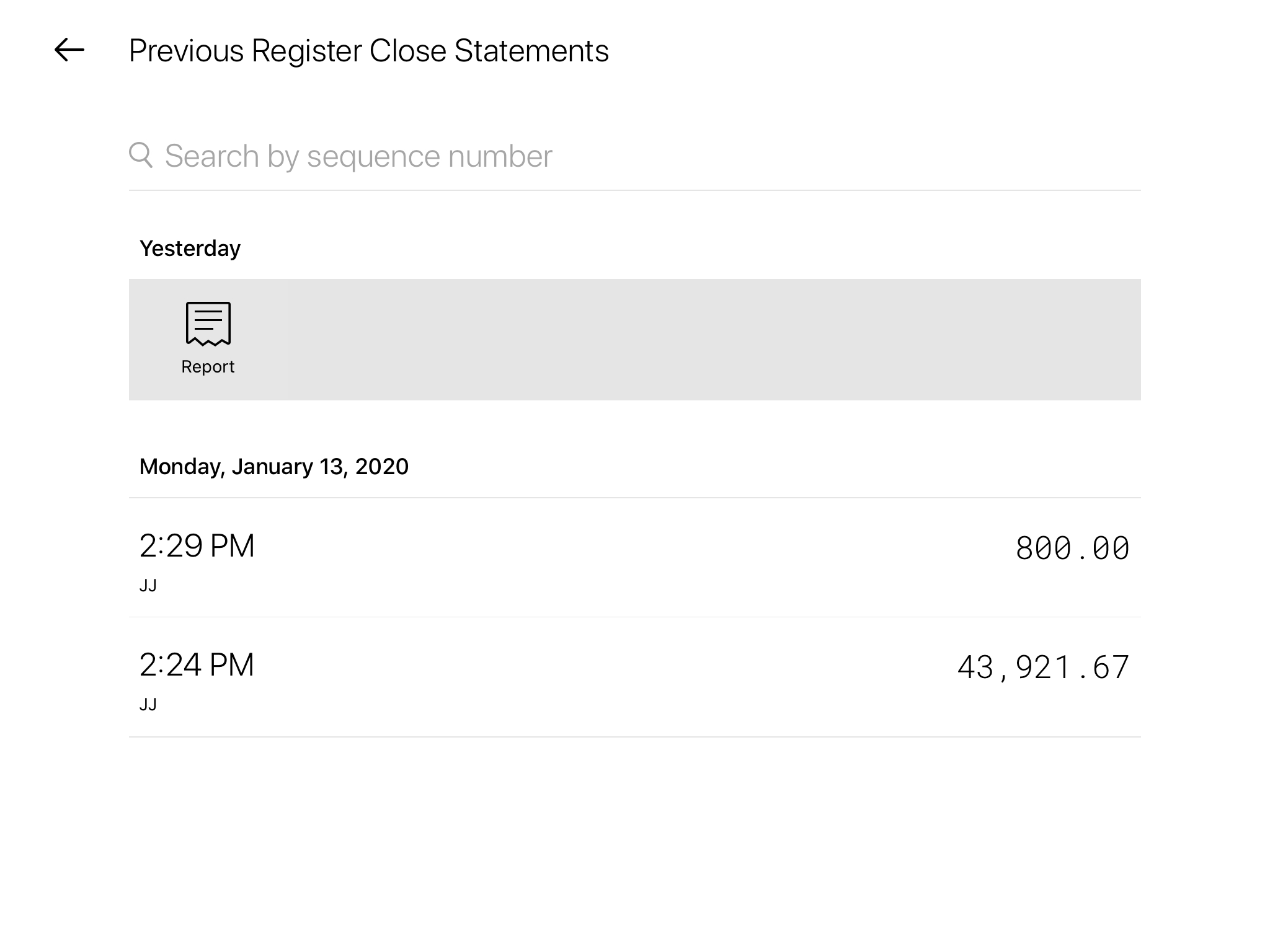
Afterwards, it is possible to print a copy of the Z-report by choosing ‘Print’
NB! In order to print the report, a printer must be connected. See ‘Printers’ for a guide on how to set up printers
Press ‘Done’, when the report is printed. 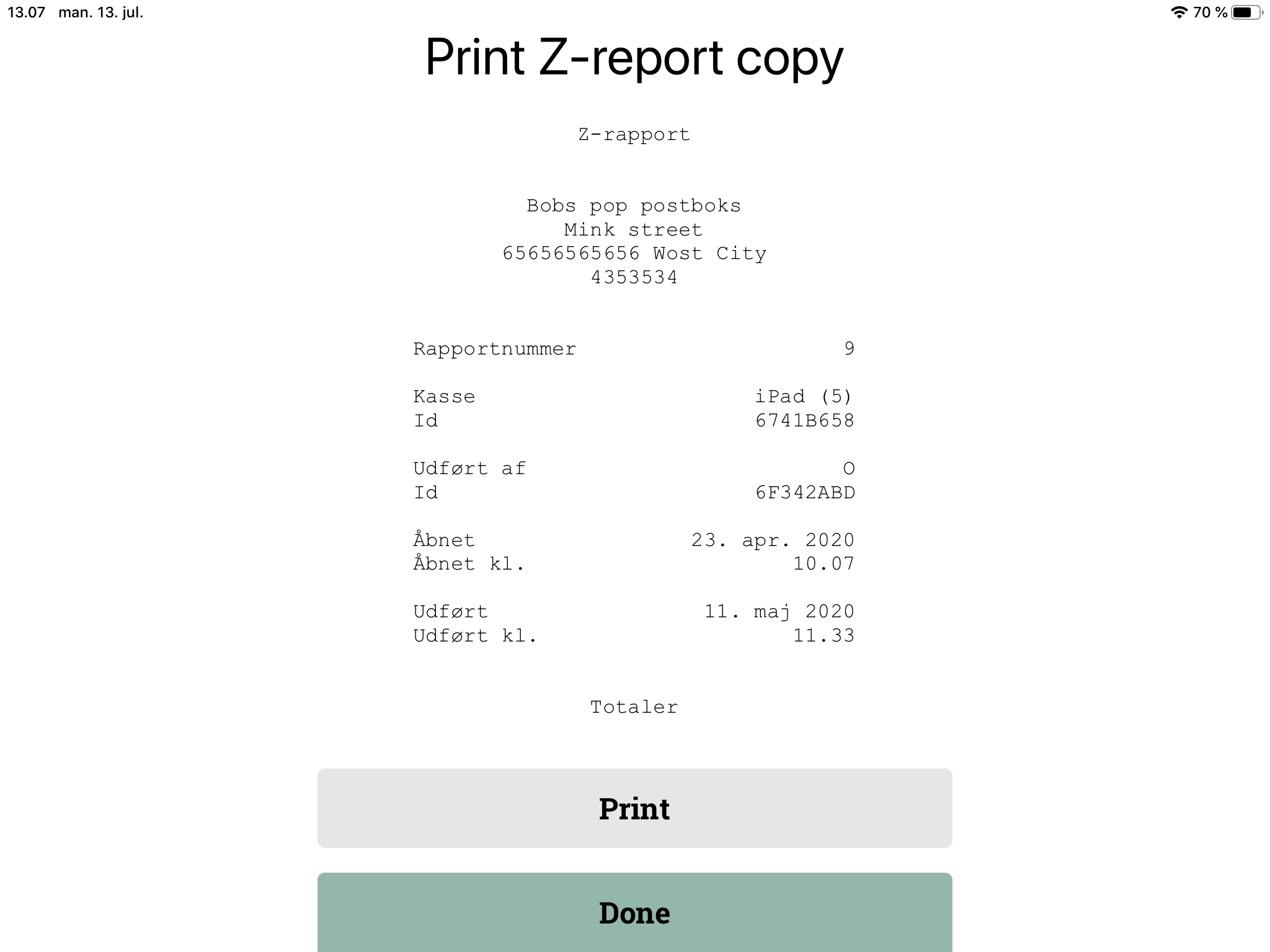
Comments
0 comments
Please sign in to leave a comment.