
With Reserve & collect it's possible for the customer to put together a basket at home and afterwards collect the products at the store. Reserve & Collect requires integration.
When a Reserve & Collect order is completed, the following notification will be shown in POS at the menu in the upper left corner.
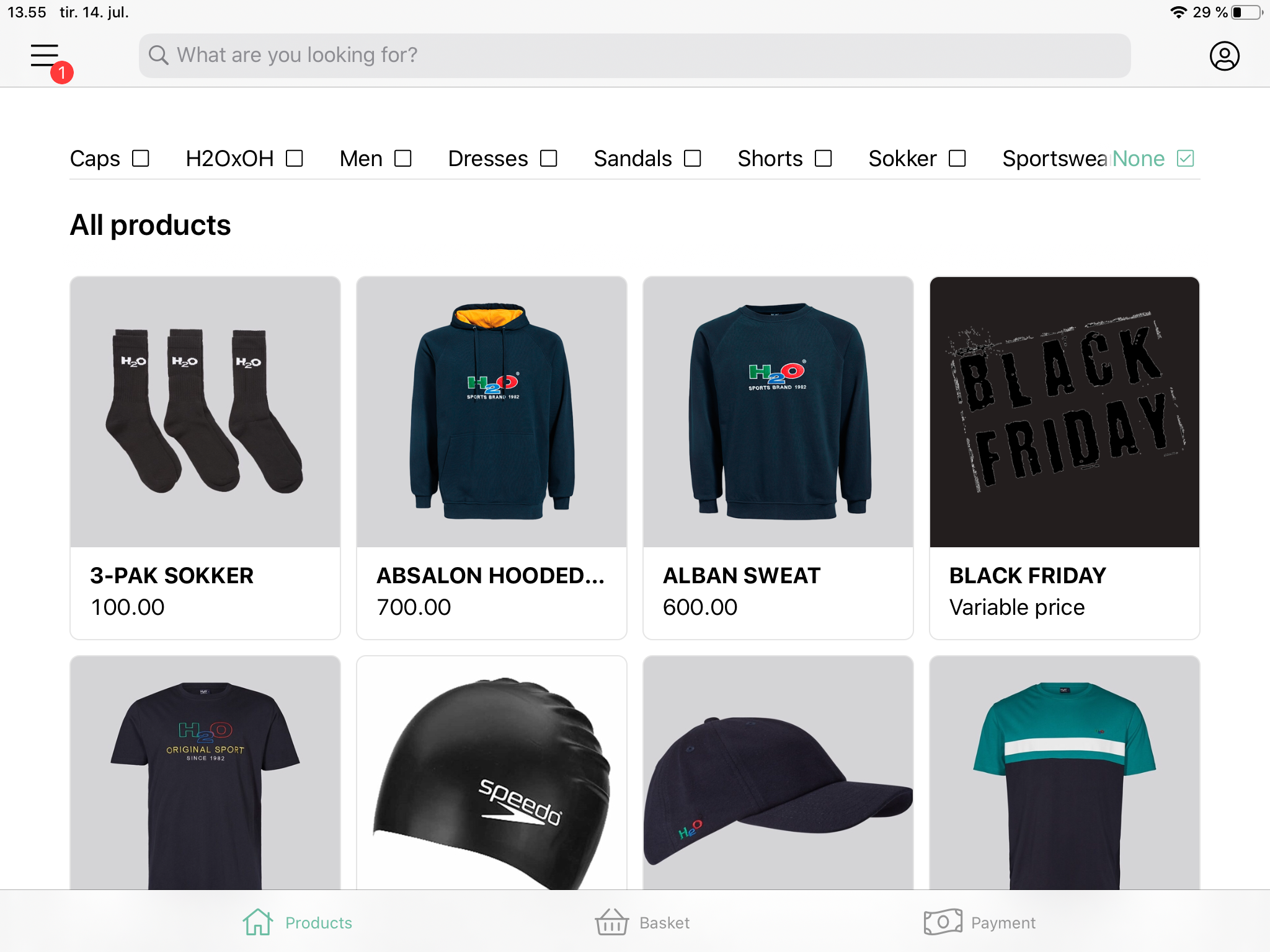
It's now possible for the store associate to handle the order. This is done with the following steps:
- Press on the menu at the upper left corner
- Press 'Click & Collect'
Here, the notification will also be visible - An overview of all the pending Reserve & Collect orders are shown. Click & Collect orders are differentiated from Reserve & Collect order by showing a 'Paid' status.
It's possible to search for a Reserve & Collect order by entering an order ID in the search field. When pressing 'Completed', an overview of all completed Reserve & Collect orders are shown.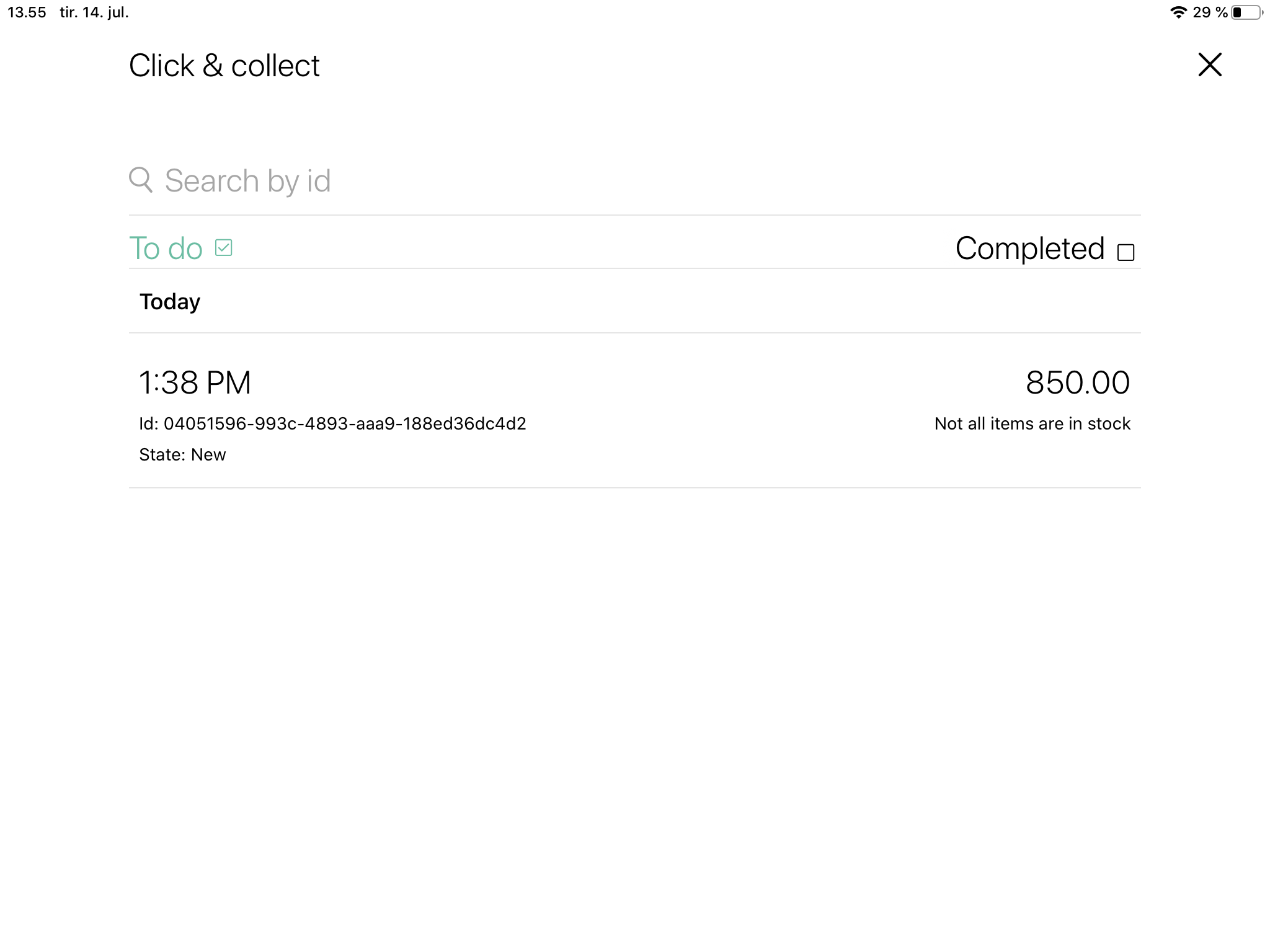
- To handle a Reserve & Collect order, tap on the wanted order.
When pressing 'Detail', the contents of the order, as well as the concerned stock values, are seen. When pressing 'More actions', the following opportunities are available: Prepare, Marks as ready, Add to basket, Can't fulfil and Not collected. Every action requires the store associate to enter a comment before proceeding. - Press 'Prepare' to start the preparation of the order
The reservation will now be updated and the state will change to 'Being prepared'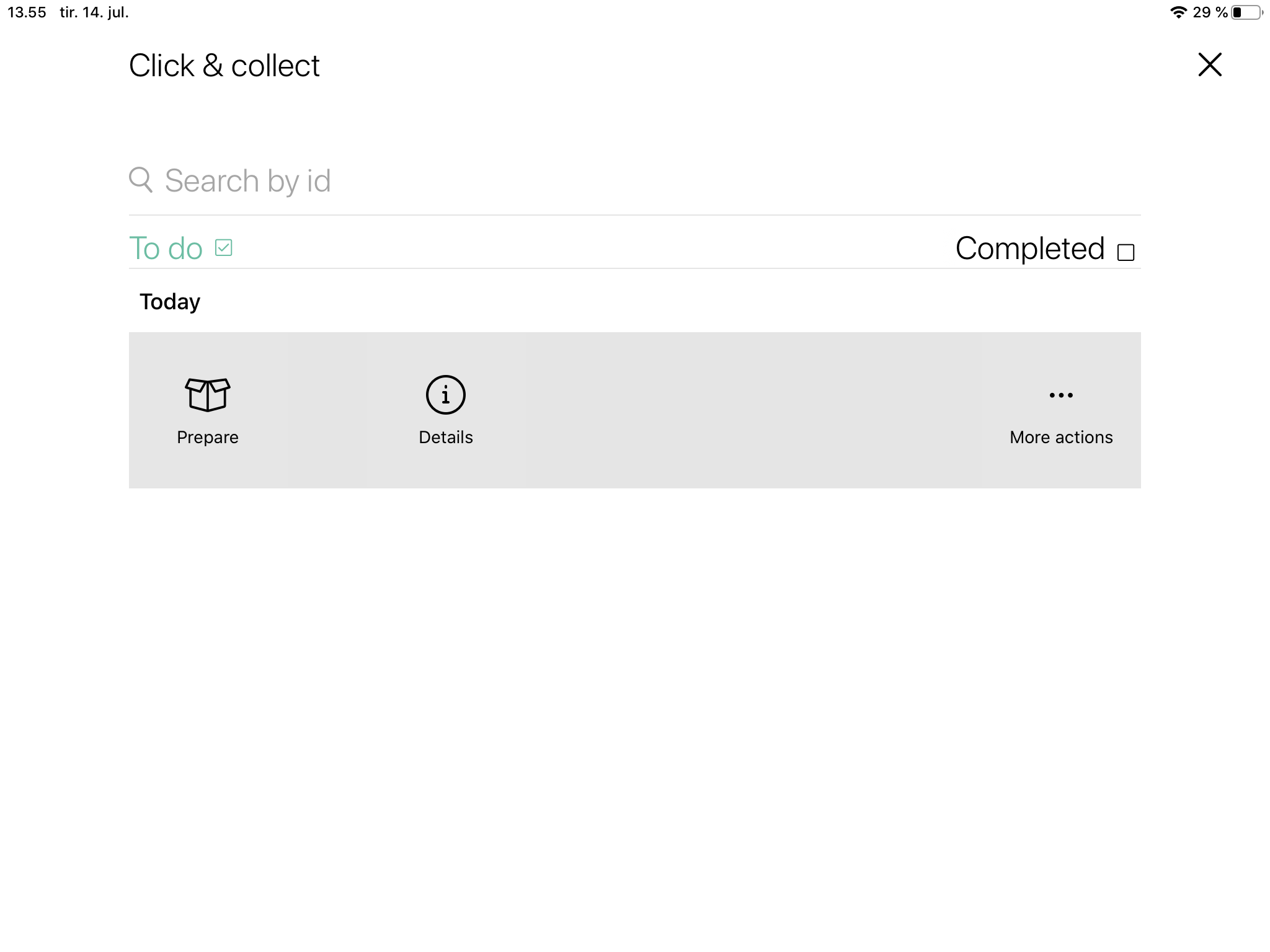
- Press on the order again in the Reserve & Collect overview and choose 'Mark as ready', when then store associate has prepared the order.
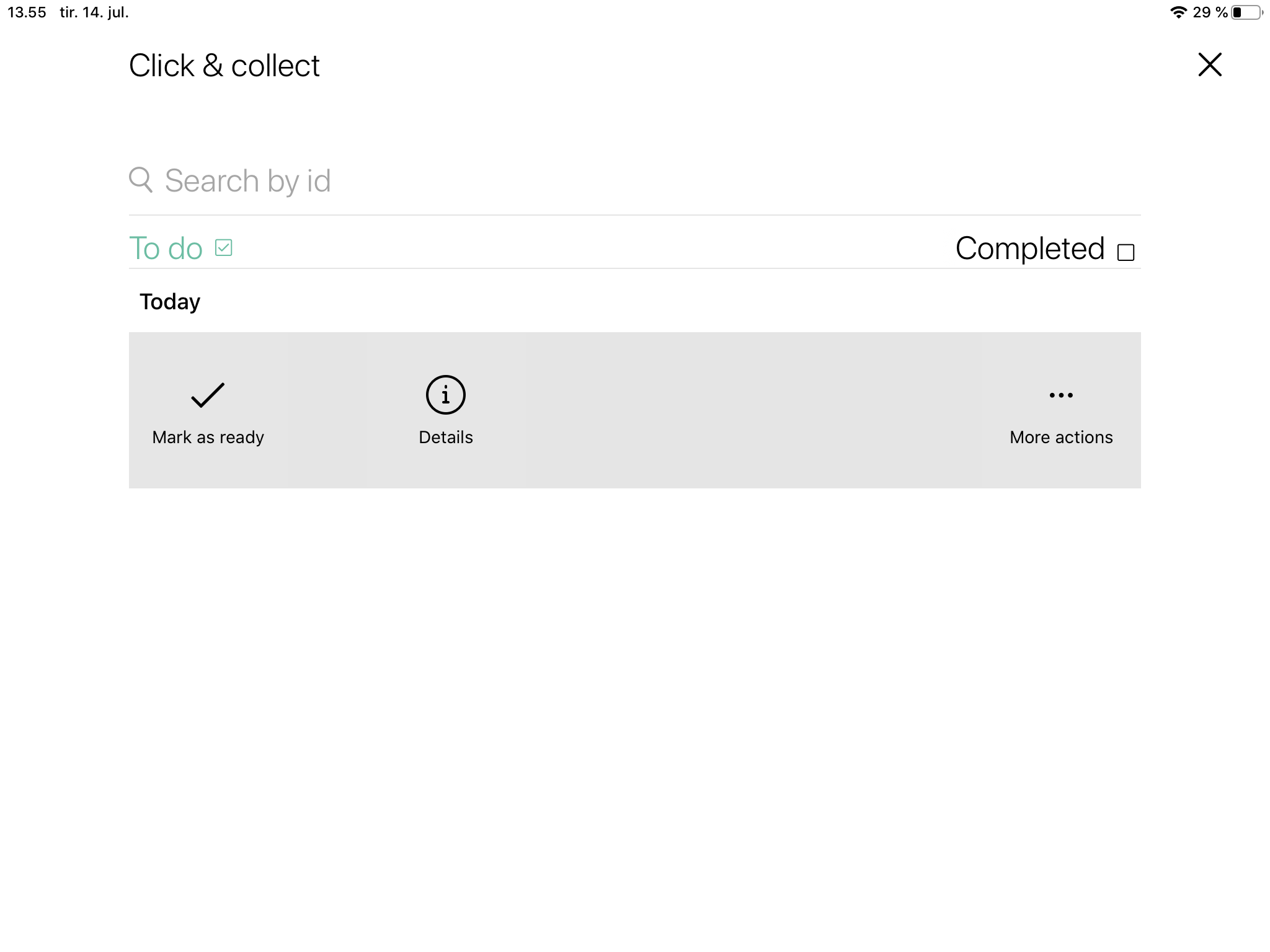
- Enter a comment and press 'Continue'
The state of the order will now change to 'Ready for pick up'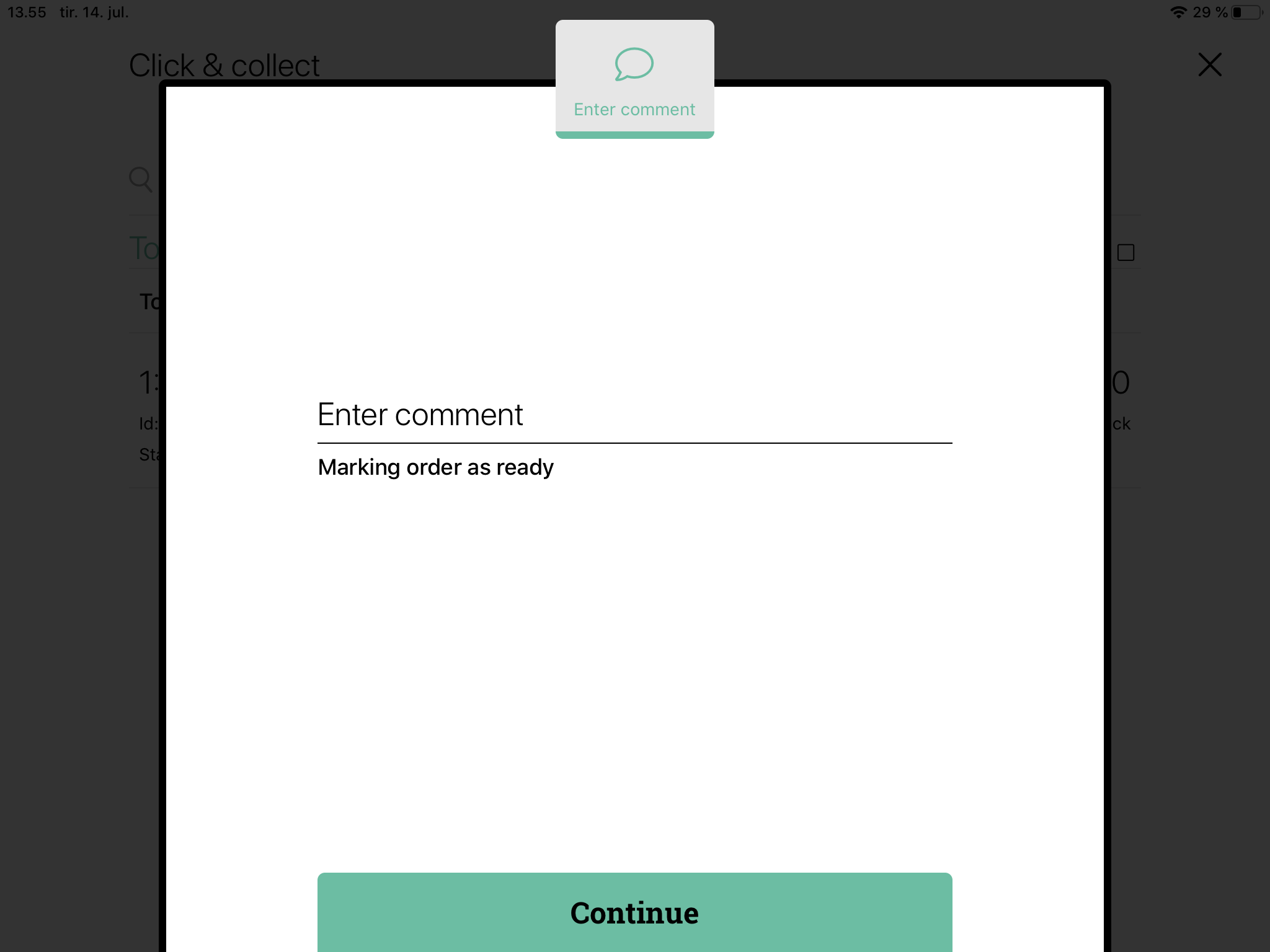
- When the customer arrives to pick up her order, press on the concerned order in the Reserve & Collect overview and press 'Add to basket'
The reservation will now update, and the order is added to the basket. The order can now be found under 'Completed' in the Reserve & Collect overview if the sate of the order has to change.
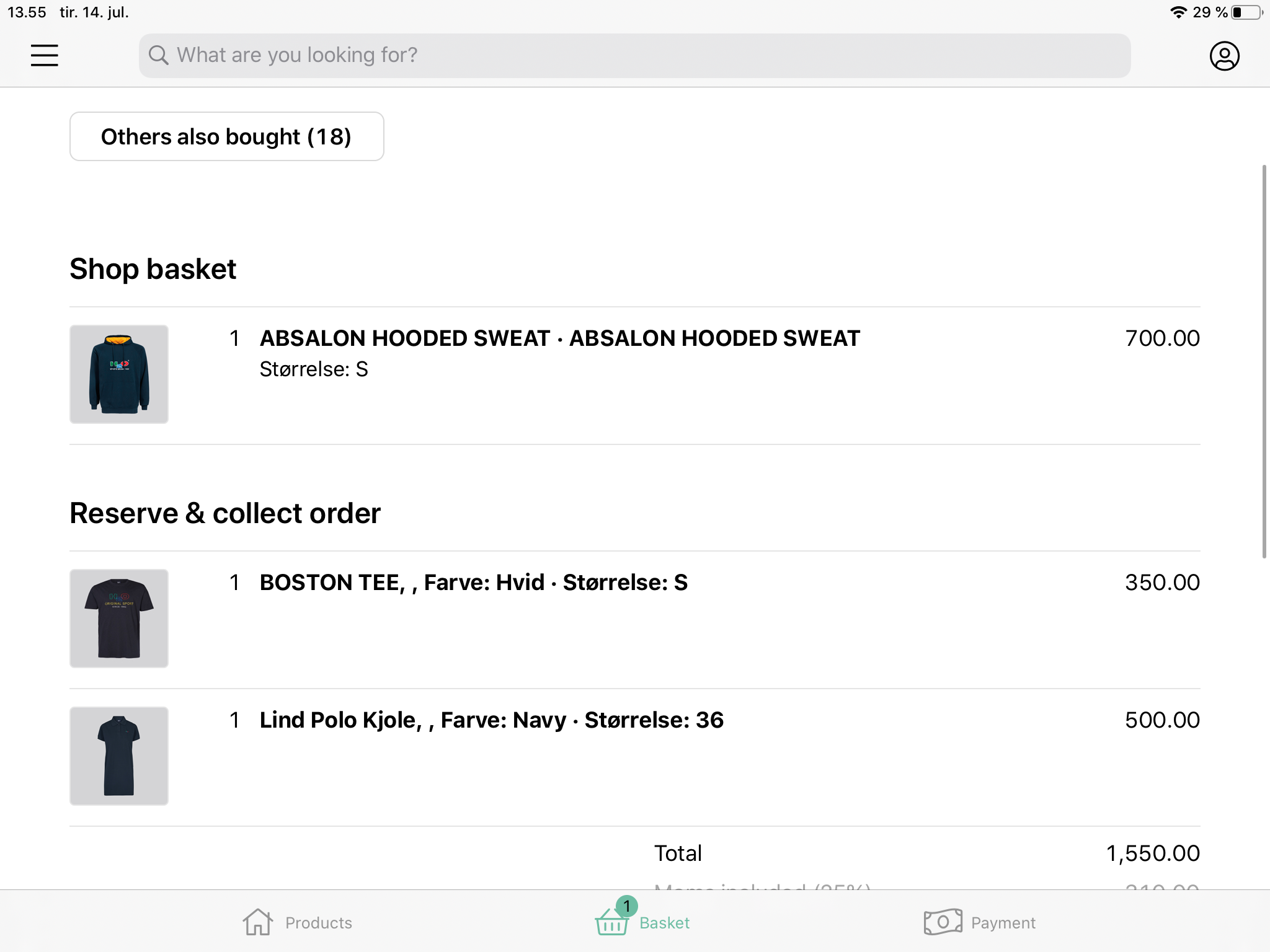
In the basket, Reserve & Collect orders will be separated from other products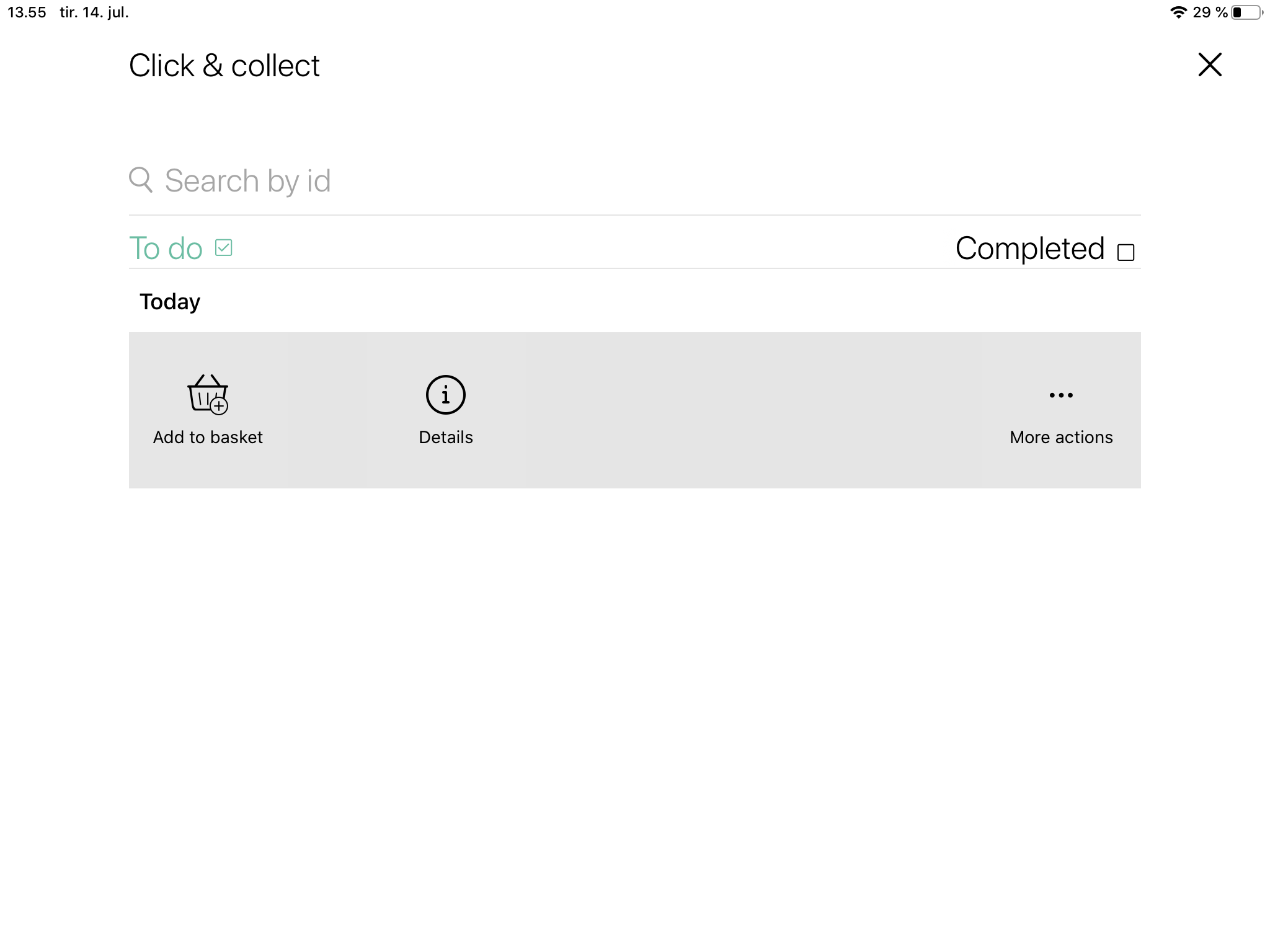
Comments
0 comments
Please sign in to leave a comment.