
With this function, it's possible to handle the internal expenses
- Press the menu in the top left corner
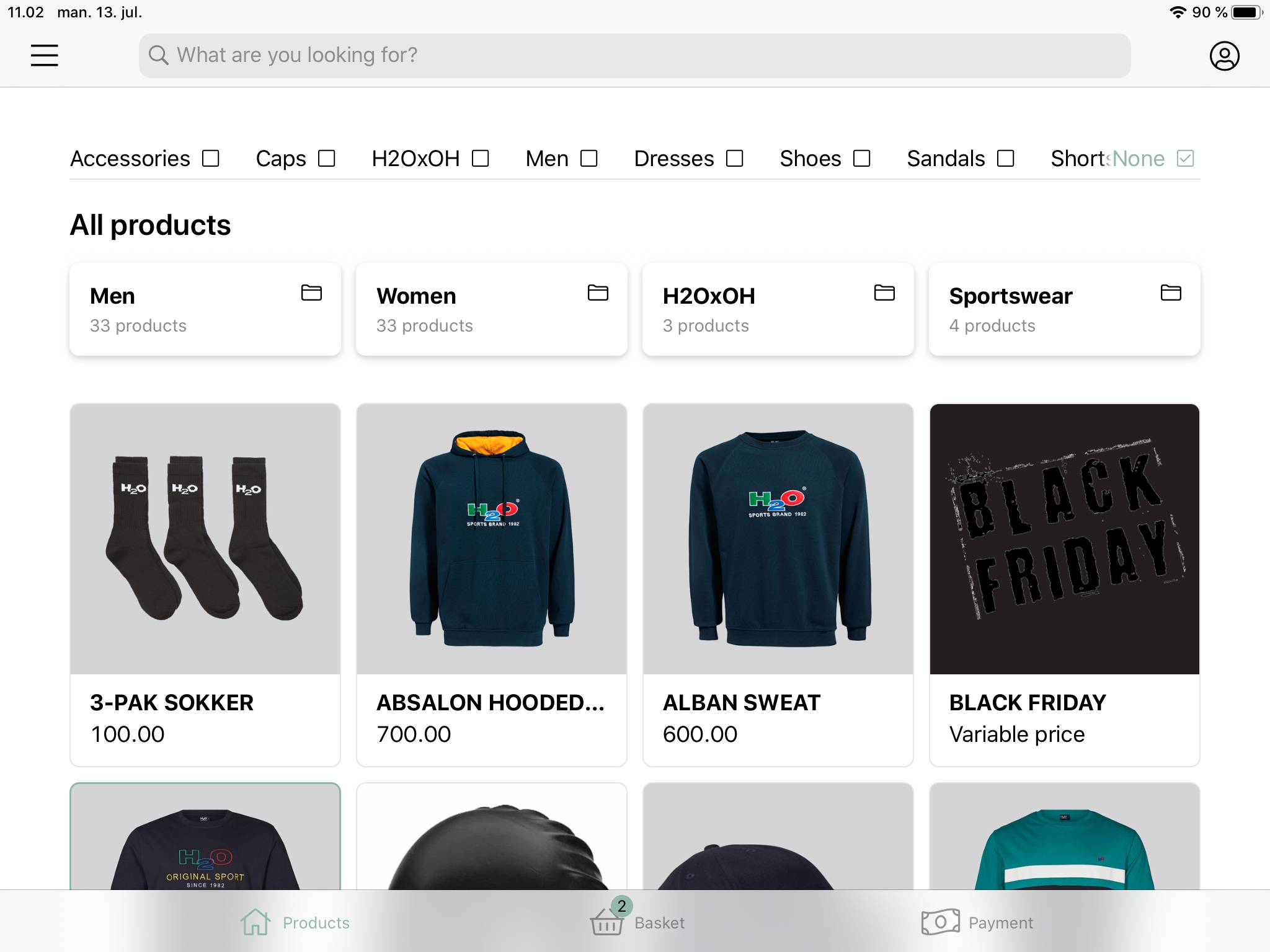
- Choose ‘Expenses’
A new page will appear and the expense can be handled.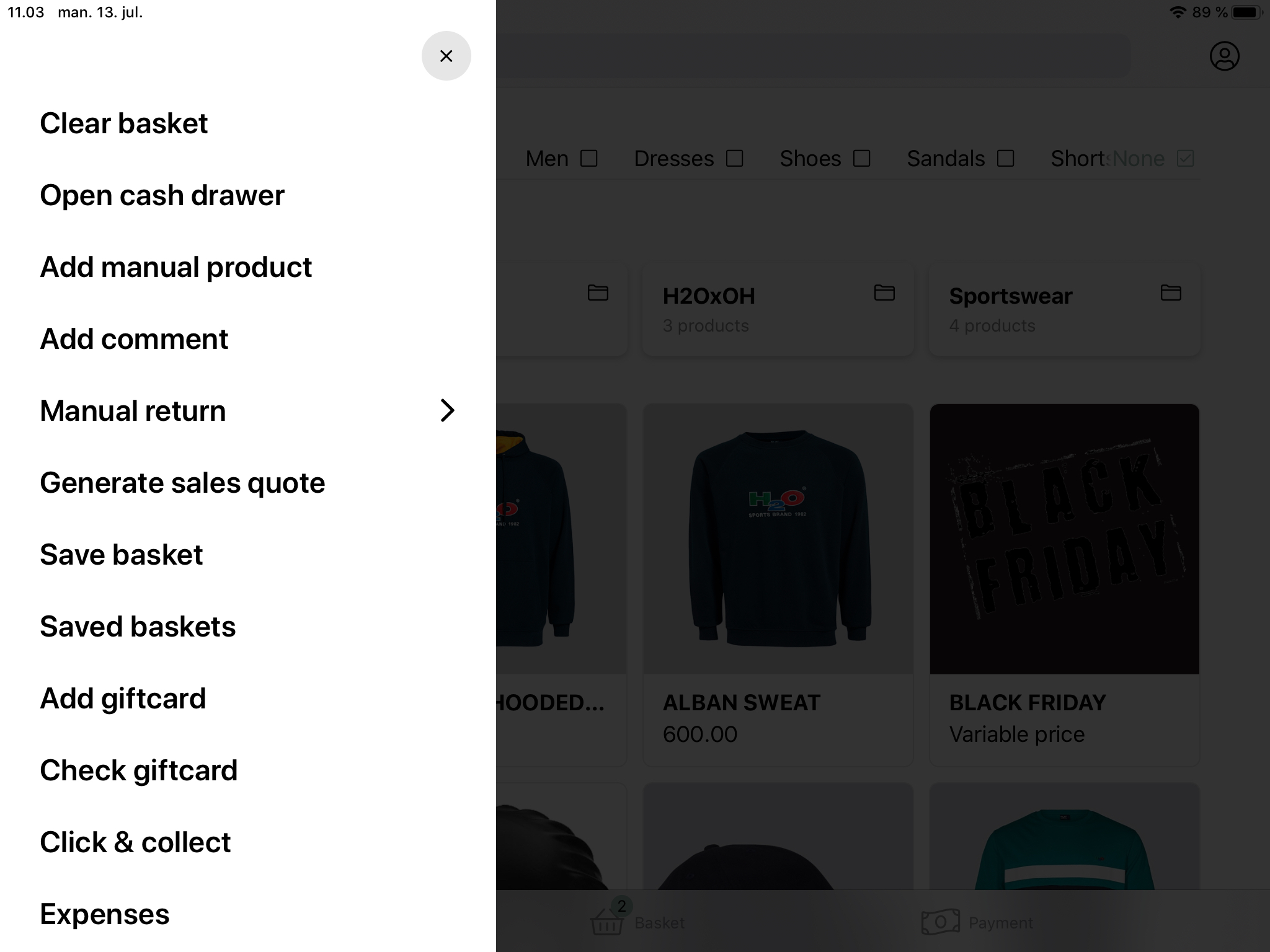
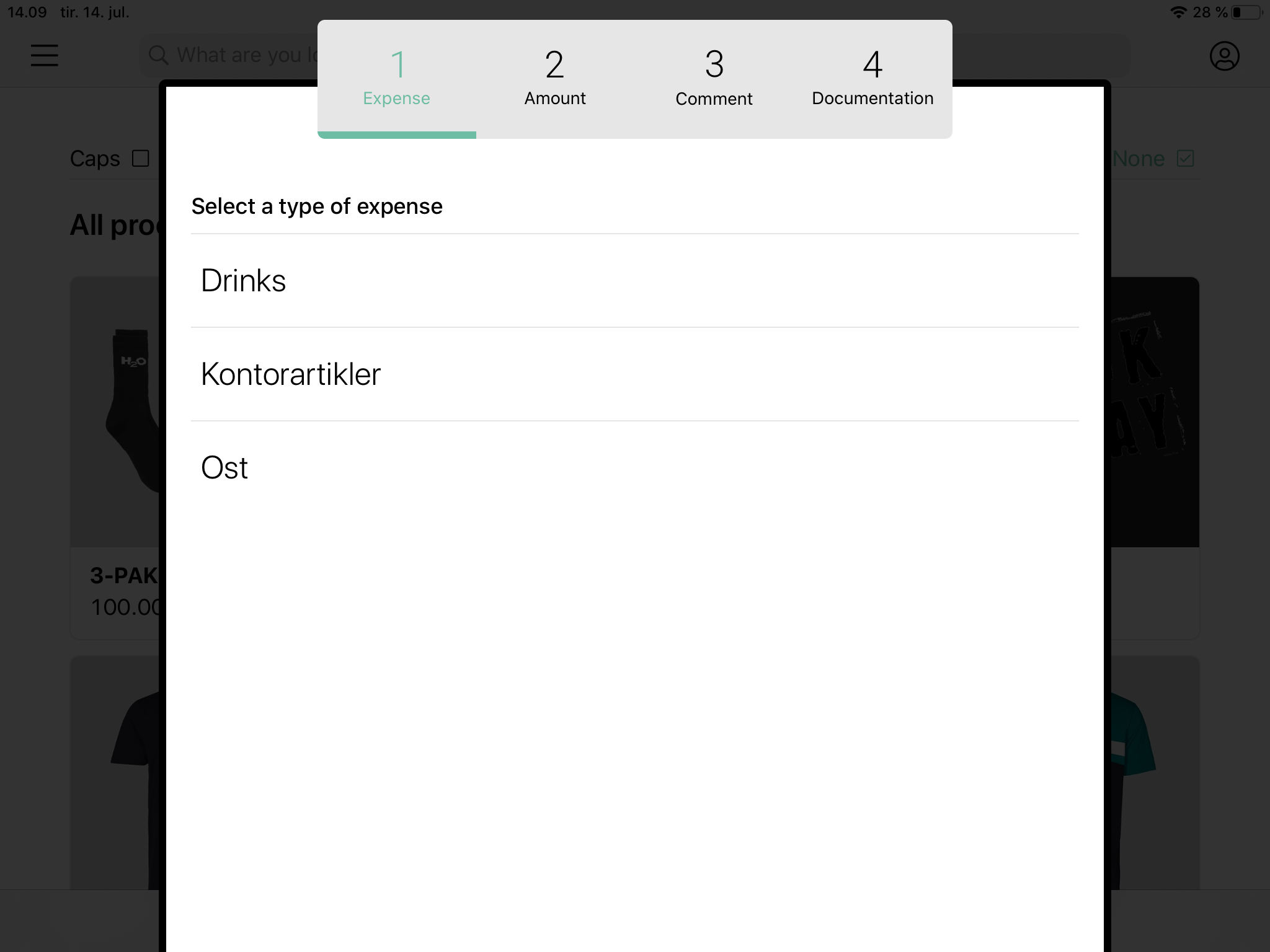
- Pick the type of expense. These can be configured in the backoffice, see KONFIGURATION AF UDLÆG
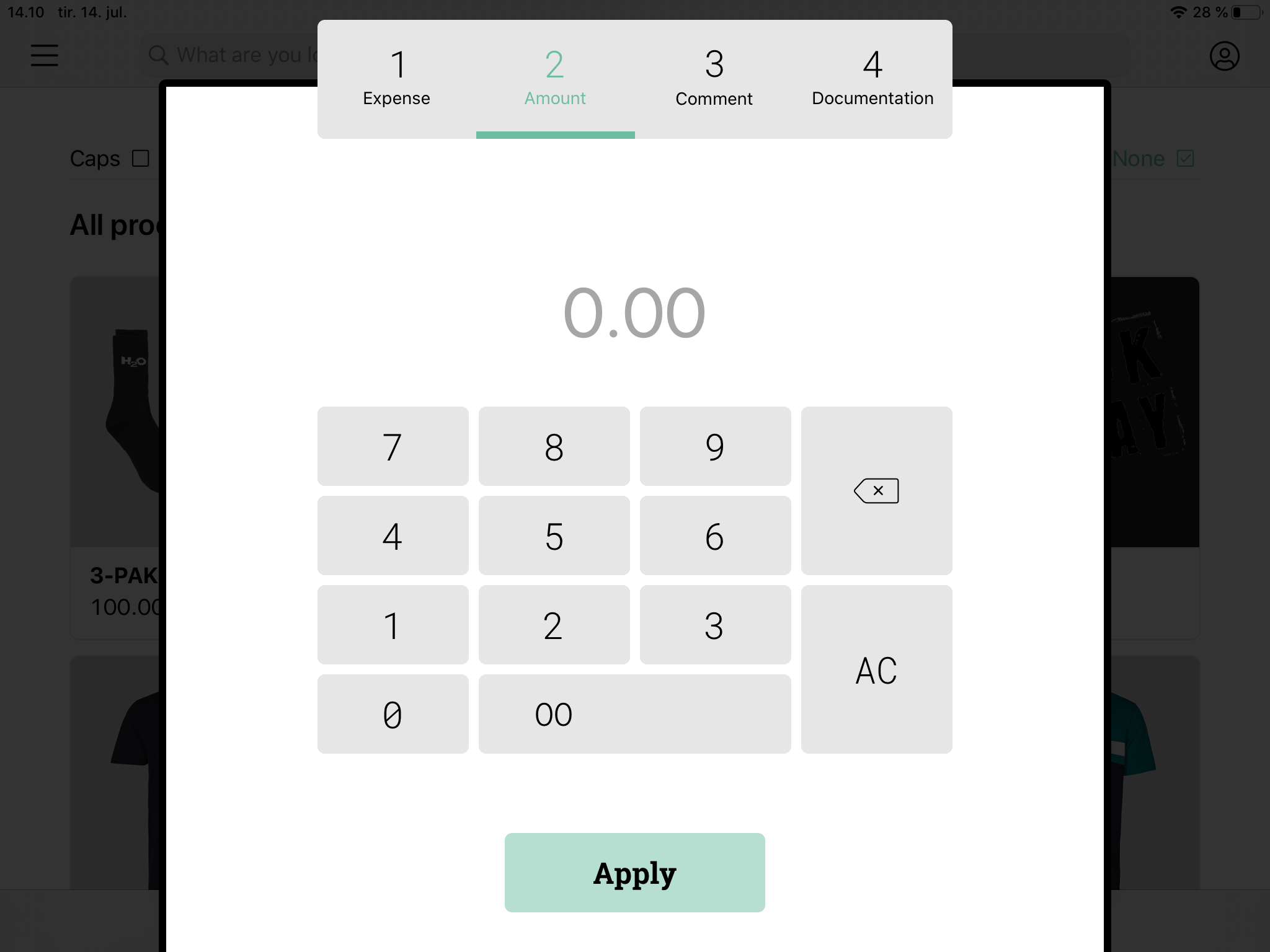
- Enter the amount of the expense and press 'Apply'
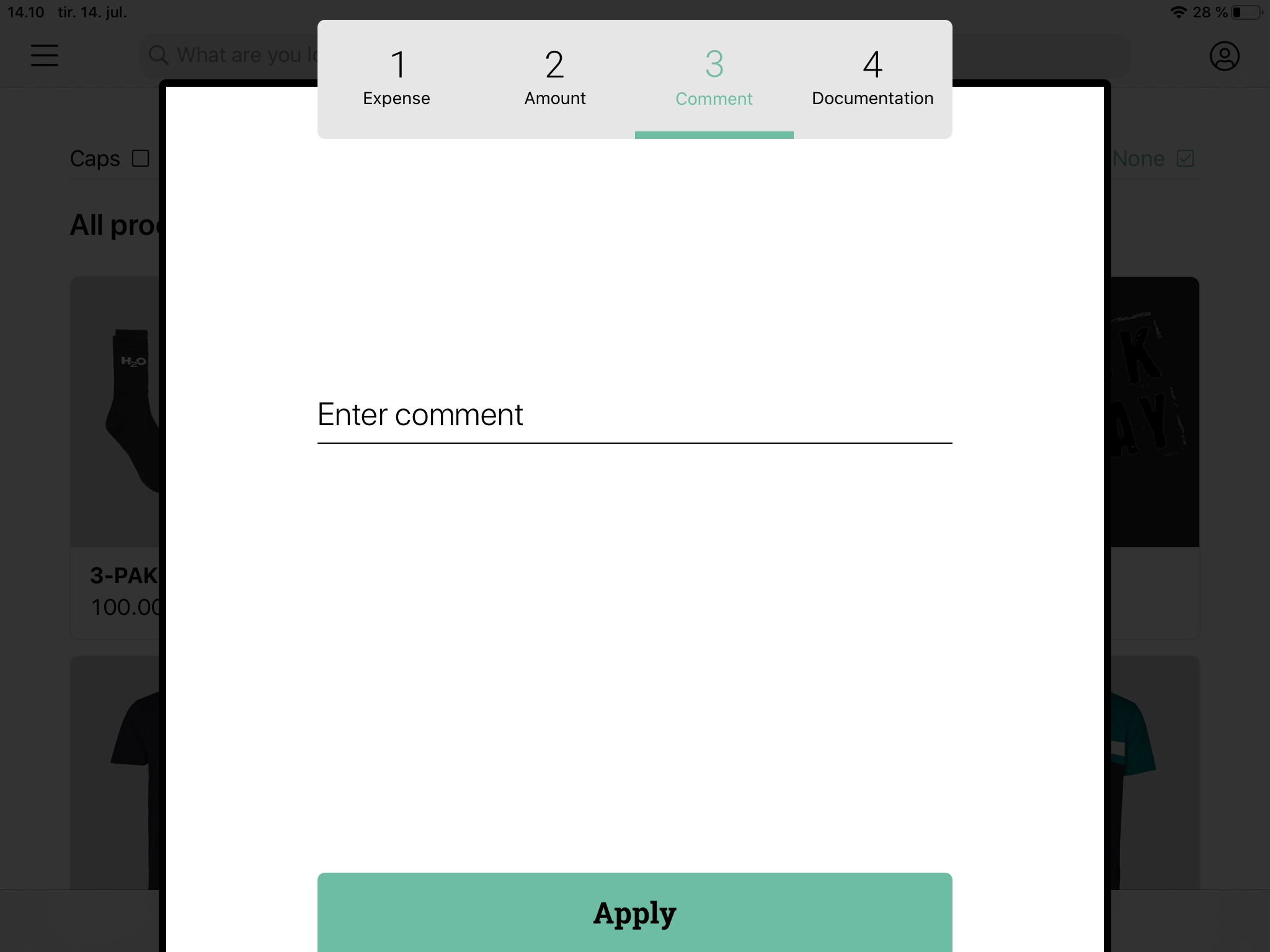
- Enter a comment for the expense and press 'Apply'
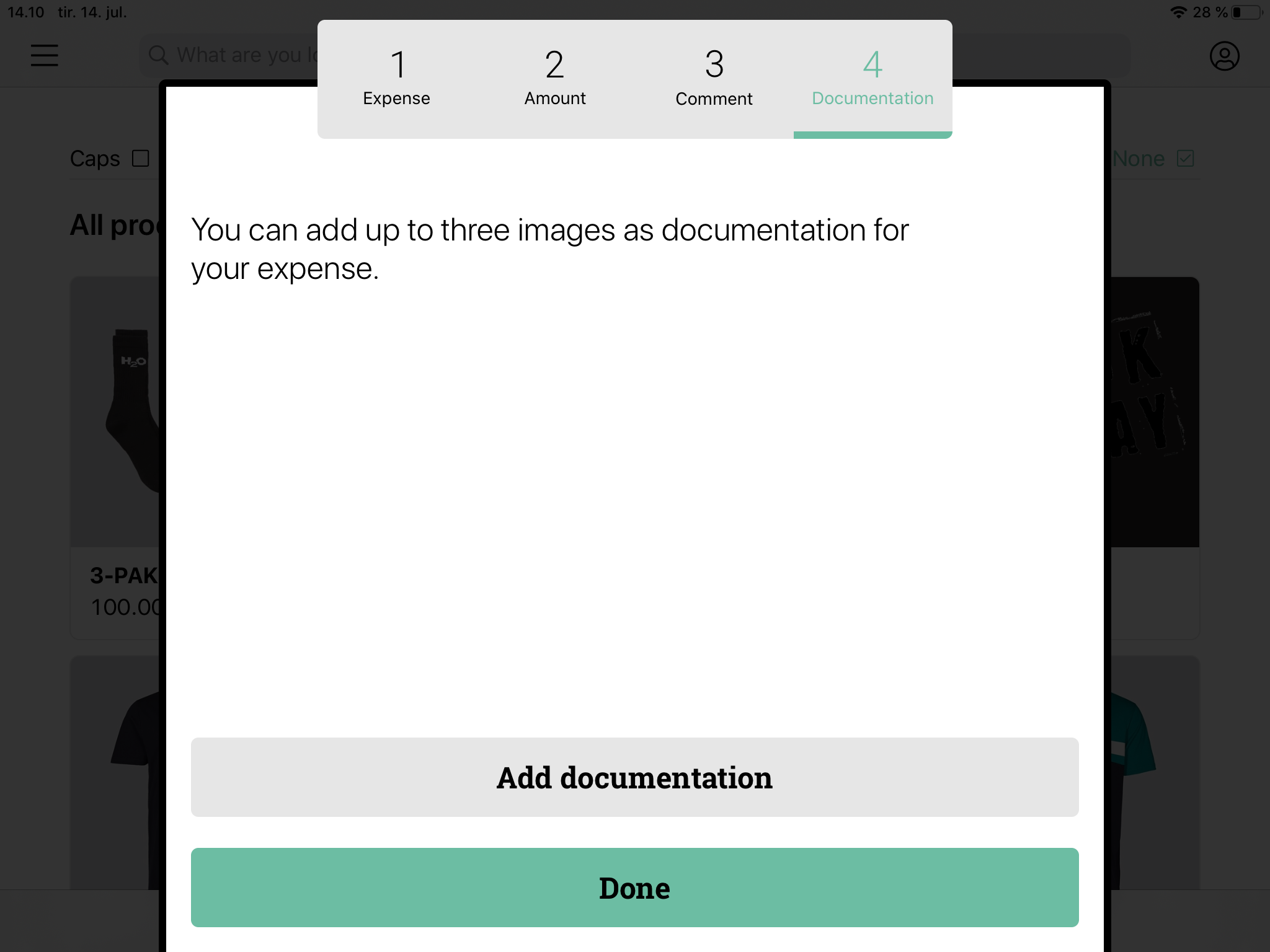
- It's possible to add documentation for the expense. This is done by pressing 'Add documentation'. Press 'Done' to complete the expense.
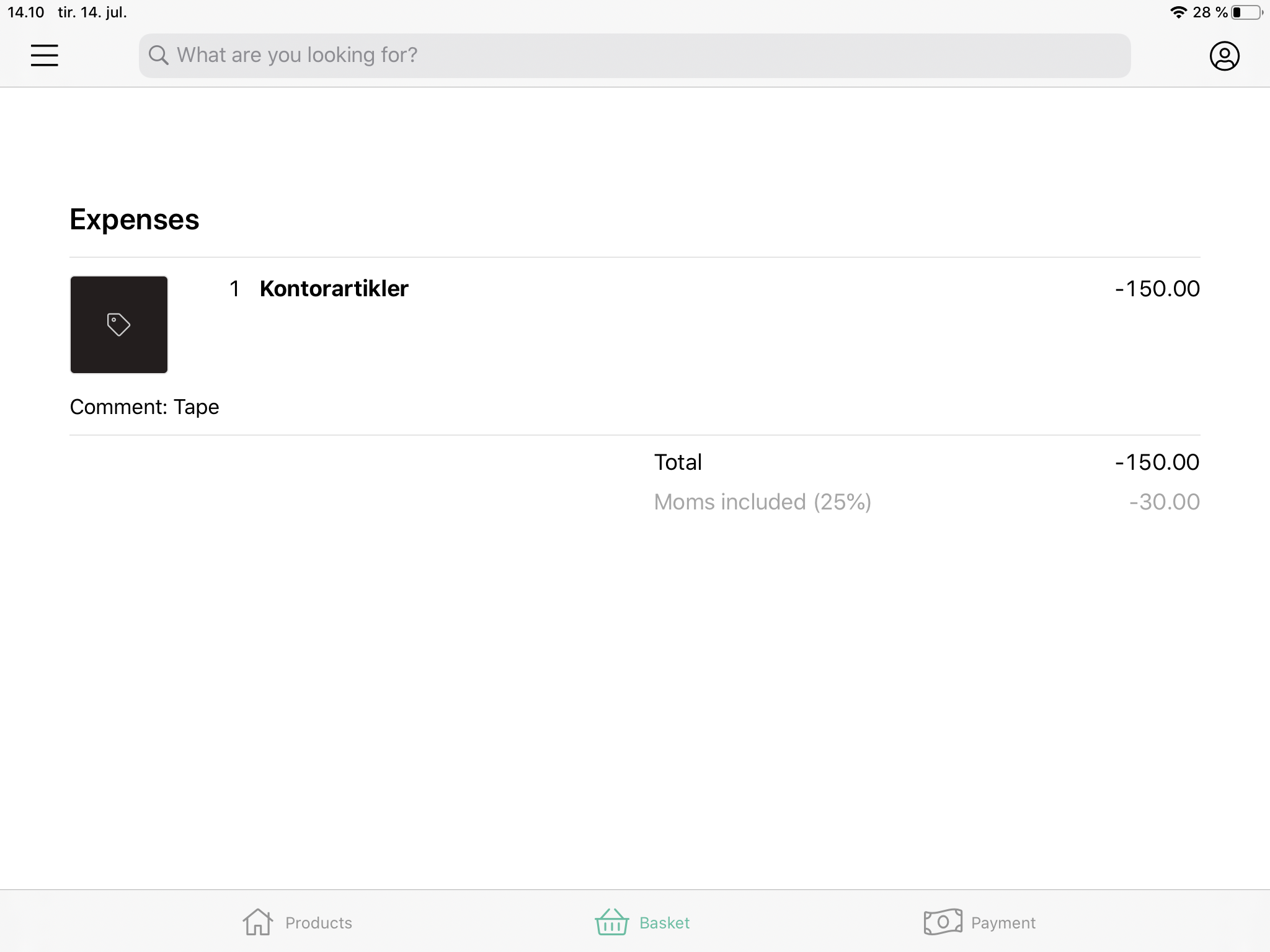
The expense is now visible in the basket, and the 'payment' can now be completed.
Comments
0 comments
Please sign in to leave a comment.